




- Perfality
- October 24, 2026
- 12:57 pm
- Read Time: 10 mintues
Most sellers learn about Best Buy seller quality metrics the hard way, when an alert appears at the top of the dashboard. By then a few late shipments or unanswered messages have already added up. The standards are published, they are specific, and they are easy to manage once you know how each number is calculated.
This guide explains all nine Best Buy seller quality metrics, the targets behind them and the habits that keep an account safe. Everything below comes from Best Buy’s key performance indicator page on the Seller Hub. The page states that you must meet the standards to avoid suspension, so Best Buy marketplace suspension is a real risk, not a theoretical one.
The Best Buy Seller Quality Metrics at a Glance
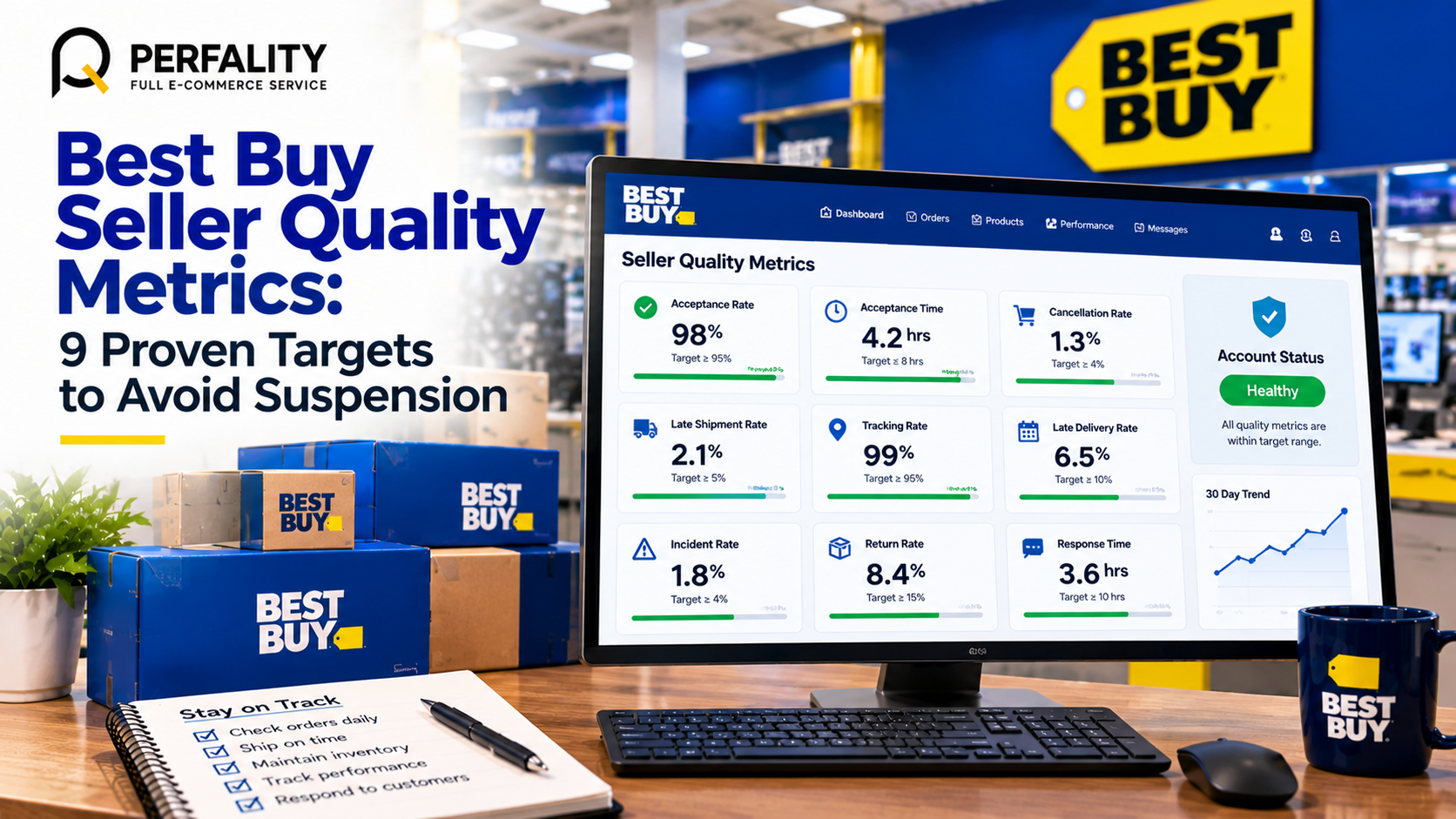
Best Buy calls the Best Buy seller quality metrics Seller Quality Metrics, or SQMs. There are nine, and each has a standard that your store must stay within. The table below lists them as the Seller Hub shows them.
Metric | What it measures | Standard |
Acceptance Rate | Share of customer orders you accept and commit to process | 95% |
Acceptance Time | Average time between an order reaching your account and your acceptance | 8 business hours |
Cancellation Rate | Share of order lines with at least one cancellation | 4% |
Late Shipment Rate | Orders shipped after the shipping deadline, out of total orders | 5% |
Tracking Rate | Share of orders with valid tracking information | 95% |
Late Delivery Rate | Orders delivered after the promised date over the previous 30 days | 10% |
Incident Rate | Share of order lines with an incident | 4% |
Return Rate | Order lines with at least one return, out of total order lines | 15% |
Response Time | Average time to reply to a customer’s order-related message | 10 business hours |
Notice the direction of each target. Acceptance and tracking should stay at or above their percentage. The others, such as cancellations, late shipments, incidents and returns, should stay at or below theirs. The page also notes that the Acceptance Time and Response Time standards take effect from May 18, 2026, so both now apply.
Where you can see them matters too. Any risk to your account is flagged with an alert at the top of the dashboard, and current performance for each metric appears in the Quality Control section at the bottom of the Mirakl Dashboard. Make that section part of your daily check, because it is the quickest warning against Best Buy marketplace suspension.
How Best Buy Calculates Business Hours
Two of the Best Buy seller quality metrics, Acceptance Time and Response Time, are measured in business hours, and they are the easiest to improve. They count only your store’s configured working days and hours in Mirakl. Evenings, weekends and observed holidays are excluded unless you enable them.
The Seller Hub gives a clear example. A message arrives on Monday at 7 pm, and you answer on Tuesday at 11 am. With store hours of 9 am to 5 pm, that counts as 2 business hours. This means your configured hours directly affect your score, so set them honestly and keep them up to date.
Rule of thumb: store hours that you can actually staff are safer than long hours you cannot cover. A response clock that runs while nobody is at a desk will hurt the account.
Speed Metrics: Acceptance and Response
Acceptance Rate and Acceptance Time
Acceptance Rate is the share of orders you accept. The standard is 95%. Acceptance Time is the average wait before you accept, with a standard of 8 business hours. Rejections for genuine stock problems are sometimes unavoidable, but a pattern of rejections suggests your inventory feed is wrong.
The Seller Hub says sellers cannot accept backorders. If you have no stock, you must reject the order and set inventory to zero immediately. Best Buy’s guide to accepting orders spells this out. What matters is the speed of the update, so sync stock at least daily and ideally more often.
Response Time
Response Time averages how long you take to reply to an order-related message, and the standard is 10 business hours. Best Buy’s tracking guidance goes further and asks you to respond to all customer messages and incidents within one business day. Aim for the shorter target and the metric looks after itself.
Delivery Metrics: Shipping, Tracking and Delivery
Late Shipment Rate
Late Shipment Rate is the Best Buy seller quality metric that tracks orders shipped after the shipping deadline. The standard is 5%. The cure is practical: set realistic handling times, cut off orders at a fixed hour, and keep a buffer for peak weeks.
Tracking Rate
Tracking Rate is the share of orders with valid tracking information, with a standard of 95%. The Seller Hub notes that choosing the wrong carrier in the platform can hurt this metric. Enter tracking before you confirm the shipment, because confirmation triggers the customer notification.
Late Delivery Rate
Late Delivery Rate looks at orders delivered after the promised date over the previous 30 days, with a standard of 10%. You can find it in the On-Time Delivery Report in the Seller Hub. Because carriers control the last mile, track this against each carrier and service level.
Quality Metrics: Cancellations, Incidents and Returns
Cancellation Rate
Cancellation Rate is the share of order lines with at least one cancellation. The standard is 4%. The biggest driver is stock that does not match the feed, so this is where the Best Buy seller quality metrics and inventory accuracy meet. A missed cancellation target is one of the quickest routes to Best Buy marketplace suspension.
Incident Rate
An incident is a customer-opened issue, such as an item not received, defective or counterfeit. Incident Rate is the share of order lines with one, with a standard of 4%. Best Buy asks you to resolve incidents within four days, or your seller rating may suffer.
Return Rate
Among the Best Buy seller quality metrics, Return Rate counts order lines with at least one return, with a standard of 15%. It reflects product quality, accuracy of the listing and fit for the buyer. A high rate in one category usually points to a content problem, not a logistics one.
An Illustrative Month: Reading the Numbers
Here is a fictional example. A seller ships 500 orders in a month, with 800 order lines. Counting what went wrong gives this picture against the Best Buy seller quality metrics.
Metric | What happened | Result | Standard | Status |
Late Shipment Rate | 30 of 500 orders shipped late | 6% | 5% | Over |
Cancellation Rate | 24 of 800 lines cancelled | 3% | 4% | Within |
Tracking Rate | 490 of 500 orders with valid tracking | 98% | 95% | Within |
Incident Rate | 40 of 800 lines with an incident | 5% | 4% | Over |
Two metrics are over the limit. Looking at the shipping log for these Best Buy seller quality metrics shows that most late orders came in on Fridays, after the carrier cutoff. Most incidents involved one product with a damaged-in-transit complaint. Two small changes follow: move the Friday cutoff earlier, and upgrade the packaging for the one product. Neither fix is expensive, but both would have been invisible without measuring.
Set Early-Warning Triggers Inside the Best Buy Seller Quality Metrics
The standards are limits, not goals. If you only react when a number crosses the line, you have no room left. A better habit is to set your own warning level below each limit, so you have time to act before the account is at risk.
The triggers below are our suggestion, not a Best Buy rule. They sit at roughly 80% of each ceiling, or slightly above each floor. Adjust them to your volume, because a small store sees larger swings from a handful of orders.
Metric | Best Buy standard | Suggested warning trigger |
Acceptance Rate | 95% or higher | Below 97% |
Cancellation Rate | 4% or lower | Above 3% |
Late Shipment Rate | 5% or lower | Above 4% |
Tracking Rate | 95% or higher | Below 97% |
Incident Rate | 4% or lower | Above 3% |
Return Rate | 15% or lower | Above 12% |
When a warning trigger fires, open the order log for that metric and look for the single biggest cause. Fix that cause first. This approach keeps the Best Buy seller quality metrics from drifting and gives you a defensible record if you ever need to explain a dip to Best Buy support.
Who owns each of the nine metrics?
Metrics improve faster when each one has a named owner. Operations owns late shipment, tracking and late delivery. The customer service lead owns response time and incidents. The catalog manager owns return rate, since listing accuracy drives it. The account manager owns the overall view and reports on the Best Buy seller quality metrics every month.
Write the owners down and review them quarterly. The goal is that nobody is surprised by a Best Buy marketplace suspension warning, and that everybody knows which number they are responsible for.
A Weekly Routine to Prevent Best Buy Marketplace Suspension
Avoiding Best Buy marketplace suspension is a matter of routine, not heroics. The checks below take about half an hour a week for a small store.
- Check the dashboard alert and Quality Control section daily. Treat any warning as a task for the same day.
- Review late shipments every week. Match each one to a carrier, a warehouse and a weekday.
- Reconcile stock against the feed. A daily SKU health check catches stock drift before it becomes a cancellation.
- Read every open incident. Resolve inside four days, and keep all communication in the platform messages.
- Track the trend, not just the day. A simple Power BI dashboard can plot each metric against its standard.
If you manage many channels, a shared view saves time. Our retail data analytics service brings marketplace metrics into one report, and our customer service project shows how disciplined message handling protects ratings.
- Store hours set realistically, with holidays configured
- Dashboard alert and Quality Control section checked daily
- Inventory synced at least daily, with backorders rejected immediately
- Tracking entered before every shipment confirmation, with the right carrier
- Customer messages answered within one business day
- Incidents resolved within four days
- Late shipments reviewed weekly by carrier and weekday
- Best Buy seller quality metrics reported monthly to the owner of the account
How Perfality Protects Your Best Buy Seller Quality Metrics
A healthy scorecard of Best Buy seller quality metrics is the result of ordinary operations done consistently. For Best Buy sellers we typically provide:
- A single dashboard of all nine Best Buy seller quality metrics against their standards, updated on a fixed schedule.
- Daily stock and order checks that reduce cancellations and reduce the risk of Best Buy marketplace suspension.
- Message and incident monitoring, with replies inside the business-hour targets.
- Carrier and cutoff analysis to bring late shipment and late delivery rates down.
- Monthly reviews that turn the metrics into specific actions, using our Perfality Intelligence System for reporting.
Our aim is simple: you hear about a problem from your own report, not from an alert.
Related Services
If you want help keeping your Best Buy seller quality metrics green, our team can set up the reporting and run the daily checks. For the full picture of what we do for sellers and suppliers working with Best Buy, see our Best Buy retailer management service. Depending on where this issue keeps recurring, this is the kind of support that typically helps:
- Full-service Amazon management: Full Service Amazon Management, Full Service Amazon Agency, Amazon Full Service Agency, Full Service Amazon Marketing Agency, Best Full-Service Amazon Agency, Best Full Service Amazon Agency
- FBA-focused support: Amazon FBA Management Agency, Amazon FBA Agency, Amazon FBA Marketing Agency, Amazon FBA Management Service
- Listing and content optimization: Amazon Listing Optimization Services, Amazon Listing Optimization Agency, Amazon Listing Optimization Service, Amazon Product Listing Optimization Service, Amazon Product Listing Optimisation Service, Amazon Product Listing Optimisation Service USA
- Product listing services: Amazon Product Listing Service, Amazon Product Listing Service Provider, Best Amazon Product Listing Service Agency
- PPC and advertising management: Amazon PPC Management Service, Amazon PPC Management Service Agency, Best Amazon PPC Management Service, PPC Management Service For Amazon
- Account management: Best Amazon Account Management Services, Amazon Ecommerce Company
If this is a recurring pain point rather than a one-off, it’s usually worth a quick conversation. Book a free 30-minute call with our team and we’ll walk through what’s actually happening on your account.
Frequently Asked Questions
They are nine standards that Best Buy sets for marketplace stores: Acceptance Rate, Acceptance Time, Cancellation Rate, Late Shipment Rate, Tracking Rate, Late Delivery Rate, Incident Rate, Return Rate and Response Time.
Best Buy states that you must meet the standards to avoid suspension. The Seller Hub does not publish a step-by-step enforcement ladder, so the safest approach is to stay within every standard and act on any dashboard alert immediately.
Current performance for each metric appears in the Quality Control section at the bottom of the Mirakl Dashboard, and any risk to your account is flagged by an alert at the top of the dashboard.
Have any questions? Let’s connect!

