




- Perfality
- October 23, 2026
- 3:06 pm
- Read Time: 10 mintues
Most rejected catalog rows share one trait: they were written for another marketplace. The Best Buy product data standards are specific about length, letter case, punctuation and what you must leave out, and a feed that ignores them returns errors or produces a weak page.
This guide takes the Best Buy product data standards one field at a time, starting with Best Buy product titles. Every rule below comes from the global standards on Best Buy’s Seller Hub, summarized on its product data standards page. Category teams add their own rules on top, so always check the standard for your category too.
How the Best Buy Product Data Standards Are Organized
The global rules apply to every product. Category-specific standards, kept by the category teams, apply in addition. That means a toaster and a laptop share the same title length limit but not the same naming formula.
Attributes are split into three groups. Required attributes must be complete before you can sell. Recommended attributes help shoppers find the product. Optional attributes add detail. Each attribute also has a data type, either Boolean, Decimal, Integer or String, and the wrong type triggers an error.
A single text value in a number field is enough to stop a row.
The best way to use the Best Buy product data standards is as a validation list. Build the limits into your spreadsheet so errors show before upload, not after.
Best Buy Product Titles: The Customer-Facing Title Is Built for You
The most common mistake in Best Buy product titles is putting too much in. Best Buy builds the title the shopper sees from four parts: Brand, Condition, Product Name and Color. You supply the Product Name only, so the other three should never appear inside it.
The rules for the product name field
- Maximum 120 characters, one per item, in Title Case.
- Follow the category naming formula exactly. If none exists, use product type plus team, school or brand character, which is required for licensed merchandise.
- Do not include brand, color or condition. They are added automatically.
- Avoid punctuation, asterisks, all caps and keyword stuffing.
- Use the category connectors, or “and,” “with” or “for” if none are specified.
Because the final result is Brand plus Condition plus Product Name plus Color, a good name reads naturally after those words. Test every one of your Best Buy product titles by reading the assembled version out loud.
Field | Typical submission | Aligned with the standards |
Product name | ACME Air Fryer 6QT Black BEST PRICE!! | Digital Air Fryer with 6-Quart Basket |
Brand | Acme Home Products Inc. | Acme, matching the packaging exactly |
Model number | AF-600 (new model AF-650) | AF-650/AF-600 |
Color | black and silver | Black/Silver |
The example above is illustrative. It shows the pattern: strip the brand, color and promotion out of the name, keep Title Case and match the other fields to the physical product.
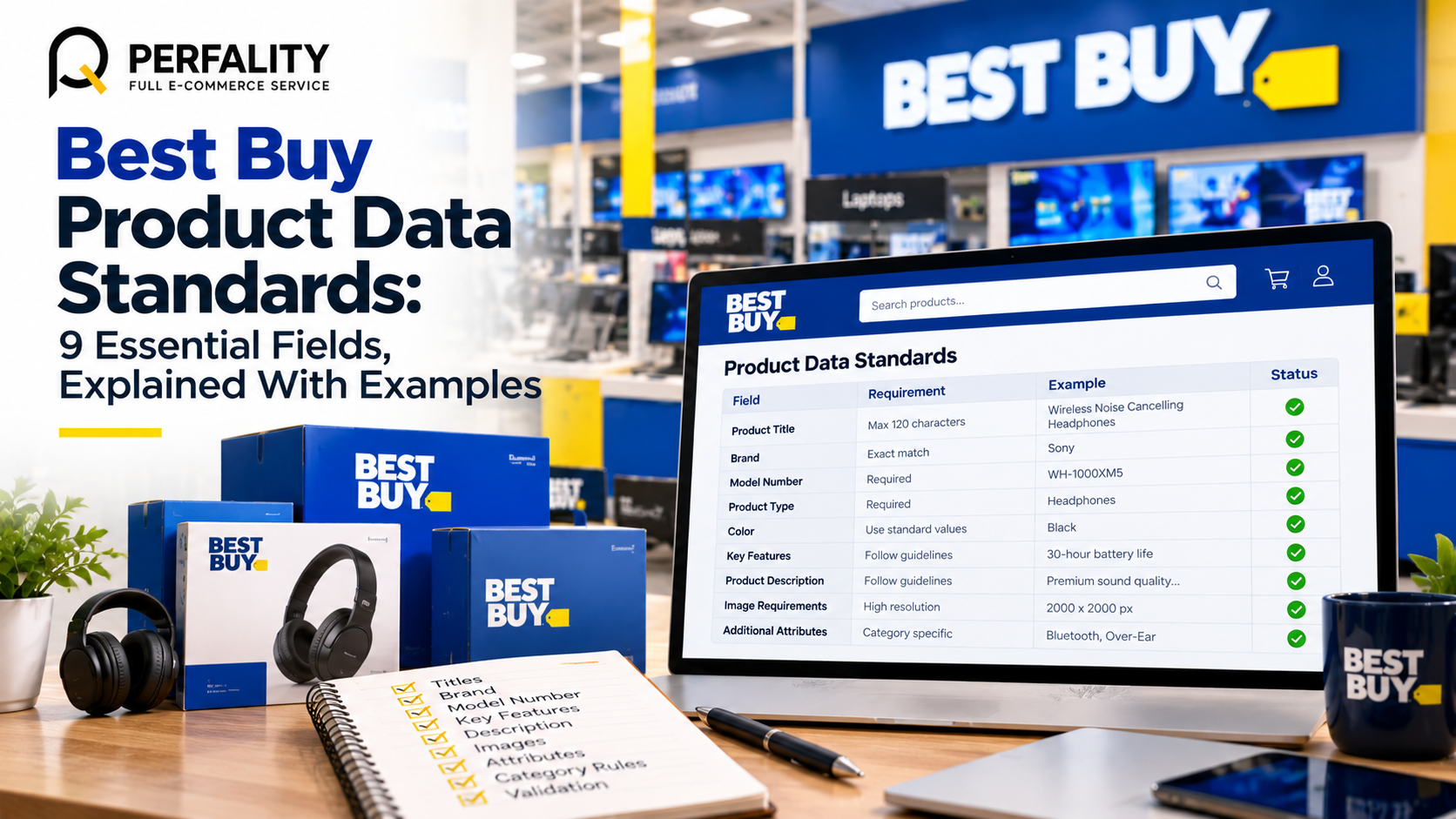
The 9 Fields of the Best Buy Product Data Standards
Here is the full list in the order most sellers fill it in. The first field is the one we just covered, so the rest follow below.
- Product name. The title rules above, up to 120 characters in Title Case.
- Brand. Up to 50 characters, matching the product, packaging and manufacturer documents, including capitalization.
- Model number. Up to 30 characters, matching the manufacturer exactly.
- Description. Up to 4,500 characters, original and conversational.
- Feature bullets. Up to 10, each with a title and description.
- Box contents. Up to 10 items, listing what ships in the box.
- Product disclaimers. Up to 25 disclaimers for claims that need context.
- Specifications. Required, recommended and optional attributes by category.
- Documents. PDF files such as manuals, in the permitted format.
Field 2 and 3: Brand and model number
Brand can be up to 50 characters and must match the physical product, packaging and manufacturer documents, including capitalization. Use “Generic” only for genuinely unbranded products. A branded product cannot be listed as Generic. Refurbished and pre-owned items keep the original brand. Video games use the game developer, and software uses the publisher.
The model number can be up to 30 characters and must match the manufacturer. When a model number changes, list the old and new numbers separated by a slash. This is one of the simplest fields to get right under the Best Buy product data standards, and one of the most common to get wrong.
Field 4: Description
The description can run to 4,500 characters in sentence case with punctuation. Write a conversational paragraph about the key product information, and do not repeat the bullets. Copy must be original. The standards say not to copy from other sites, including the manufacturer’s own.
Field 5: Feature bullets
You can add up to 10 bullets. Each title and description is limited to 300 characters, with a 5,000-character total. Titles carry no punctuation and use consistent title case or sentence case. Descriptions use sentence case with punctuation. Structure each bullet as the feature followed by its customer benefit.
Field 6 and 7: Box contents and disclaimers
Box contents allow up to 10 items of 150 characters each, in title case with commas as separators. List the main product as Brand plus Product Name, then any accessories, parts or documentation. Disclaimers allow up to 25 entries of 300 characters, in sentence case. Use an asterisk for one or two, and superscript numbers for three or more.
Field 8: Specifications
Text attributes use sentence case without punctuation, with commas as separators. Colors use title case. Two colors are separated by a slash with the primary color first, such as Gold/Black. Three or more colors become Multi. Treat every required attribute as a gate, because the product cannot sell until each one is complete.
Field 9: Documents
Documents must be PDF, no larger than 5.2 MB, in RGB color space, and in English, Spanish or French. They must be accessible, with a title, tags, logical reading order, searchable text and alt text for images. Leave out print die lines and special characters in file names.
Claims and Disclaimers Under the Best Buy Product Data Standards
Claims are where well-written listings get flagged. The Best Buy product data standards require a disclaimer for claims, and the disclaimer must say when and by whom the claim was made. Place it in the image, in the product disclaimers field or in the video.
Claim | What the standards require |
Battery life | A disclaimer in the feature bullets for electronics, and the wording “up to” |
Waterproof | A disclaimer for cell phones, activity trackers and headphones |
Made in USA | The product must be all or virtually all made in the U.S. |
Any performance claim | A disclaimer showing when and by whom the claim was made |
Upgraded Computers: A Special Case in the Best Buy Product Data Standards
Upgraded laptops, desktop towers and all-in-one computers have their own rules. Condition is New only if all components are new, otherwise it must be Refurbished. The model number is the original OEM number followed by “-Upgraded.”
The description needs the required upgrade statement, the first bullet is “Professional Upgrade,” and the last bullet and warranty spec show a one-year seller warranty from your store name. Non-compliance with these Best Buy product data standards may lead to store suspension or product removal.
Common Errors When Sellers Miss the Best Buy Product Data Standards
These are the slips that cost the most time, based on the rules above. None of them is difficult to fix once you know to look for them.
Slip | Rule it breaks | Quick fix |
Brand repeated inside the product name | Brand is added automatically | Strip the brand from the name field |
Color written as “black and silver” | Two colors use a slash, primary first | Use Black/Silver |
Description copied from the manufacturer | Copy must be original | Rewrite as a conversational paragraph |
Bullets that repeat the description | The description should not repeat the bullets | Move detail into the bullets and keep the paragraph short |
Text in a numeric attribute | Wrong data type triggers an error | Check Boolean, Decimal, Integer and String columns |
Battery claim without “up to” | Claims need the right wording and a disclaimer | Add “up to” and a disclaimer bullet |
From Clean Data to a Live Offer
Once content meets the Best Buy product data standards, the next step is the offer. For products already in Best Buy’s catalog, the match key is the GTIN, which is the UPC or EAN. Best Buy’s guide to listing existing items explains the offers file, where each row carries your SKU, the GTIN, your price and your quantity.
If the import returns “The product does not exist,” the GTIN is not in the catalog and the item must be created as a new product. That is where full content matters, because a new product page is built from your data. Anything that fails the Best Buy product data standards will show up on the shopper-facing page.
Build a Workflow Around the Best Buy Product Data Standards
Knowing the Best Buy product data standards is half the job. The other half is making them automatic. Teams that stay clean with Best Buy product titles and bullets tend to follow the same short routine.
- Keep one master sheet. One row per product, with a column for every field above and character counts built in.
- Add validation rules. Flag any title over 120 characters, any brand containing a color word and any text in a numeric field.
- Write once, adapt per channel under the Best Buy product data standards. A good master record feeds each marketplace, which is the idea behind our guide to data standardization for marketplace catalog uploads.
- Review by category before applying the Best Buy product data standards. Check the category standard before each new product family goes live.
- Re-audit regularly against the Best Buy product data standards. Use a recurring review like our content health project to catch drift.
If your catalog is large, a quick look at the signs your catalog needs optimization will tell you where to start. Fixing the worst 50 products usually changes more than polishing the best 500. Then use the Best Buy product data standards as the acceptance test for every future upload.
- Product name in Title Case, under 120 characters, with no brand, color or condition
- Brand and model number match the packaging and manufacturer documents
- Description original, under 4,500 characters and not repeating the bullets
- Feature bullets structured as feature plus benefit, within the 300-character limits
- Every claim has a disclaimer that says when and by whom it was made
- All required attributes complete and in the correct data type
- Documents in accessible PDF format under 5.2 MB
- Category standard checked in addition to the Best Buy product data standards
How Perfality Applies the Best Buy Product Data Standards
Catalog work is where small errors multiply, so we treat the standards as a build specification rather than a reading list. For Best Buy sellers we typically cover:
- Field-by-field audits of your current content against the Best Buy product data standards, with a prioritized fix list.
- Rewrites of Best Buy product titles, descriptions and bullets that follow the category formula and stay original.
- Master data sheets with built-in character counts and data-type checks, so mistakes surface before upload.
- Disclaimer and claim reviews, so battery, waterproof and origin statements are supported.
- Ongoing content health checks through our listing optimization work, keeping the catalog consistent as it grows.
The goal is a catalog that meets the Best Buy product data standards the first time and keeps passing as products change.
Related Services
If your catalog needs to meet the Best Buy product data standards before launch, we can help with the audit and the rewrite. For the full picture of what we do for sellers and suppliers working with Best Buy, see our Best Buy retailer management service. Depending on where this issue keeps recurring, this is the kind of support that typically helps:
- Full-service Amazon management: Full Service Amazon Management, Full Service Amazon Agency, Amazon Full Service Agency, Full Service Amazon Marketing Agency, Best Full-Service Amazon Agency, Best Full Service Amazon Agency
- FBA-focused support: Amazon FBA Management Agency, Amazon FBA Agency, Amazon FBA Marketing Agency, Amazon FBA Management Service
- Listing and content optimization: Amazon Listing Optimization Services, Amazon Listing Optimization Agency, Amazon Listing Optimization Service, Amazon Product Listing Optimization Service, Amazon Product Listing Optimisation Service, Amazon Product Listing Optimisation Service USA
- Product listing services: Amazon Product Listing Service, Amazon Product Listing Service Provider, Best Amazon Product Listing Service Agency
- PPC and advertising management: Amazon PPC Management Service, Amazon PPC Management Service Agency, Best Amazon PPC Management Service, PPC Management Service For Amazon
- Account management: Best Amazon Account Management Services, Amazon Ecommerce Company
If this is a recurring pain point rather than a one-off, it’s usually worth a quick conversation. Book a free 30-minute call with our team and we’ll walk through what’s actually happening on your account.
Frequently Asked Questions
They are the rules Best Buy publishes on its Seller Hub for product titles, brand, model numbers, descriptions, bullets, specifications, images and documents. Category teams add their own standards on top of the global ones.
The product name field allows up to 120 characters, written in Title Case. It should not include the brand, color or condition, because Best Buy adds those automatically to build the customer-facing title.
No. The standards say copy must be original and should not be copied from other sites, including the manufacturer’s. Write a conversational paragraph that does not repeat your feature bullets.
Have any questions? Let’s connect!

