




- Perfality
- October 24, 2026
- 3:32 pm
- Read Time: 10 mintues
Advertising on a new marketplace tempts sellers to copy their Amazon playbook and press go. That works less well than expected, because the rules differ. Best Buy Sponsored Products ads are built from your product feed, they need no creative, and only the seller who holds the Buy Box can promote a product.
This guide gives you seven setup steps for Best Buy Sponsored Products, with the eligibility rules, bidding options and reporting you will use in Best Buy My Ads. The facts come from Best Buy’s Seller Hub pages on Sponsored Products and its advertising FAQs. Neither page states budgets or minimum spend, so we flag where you need to check your own account.
What Best Buy Sponsored Products Are
Best Buy Sponsored Products are native product ads bought on a cost-per-click basis. They appear in search banners, suggested search boxes and in-list search results on BestBuy.com and in the Best Buy app. You pay only when a shopper clicks.
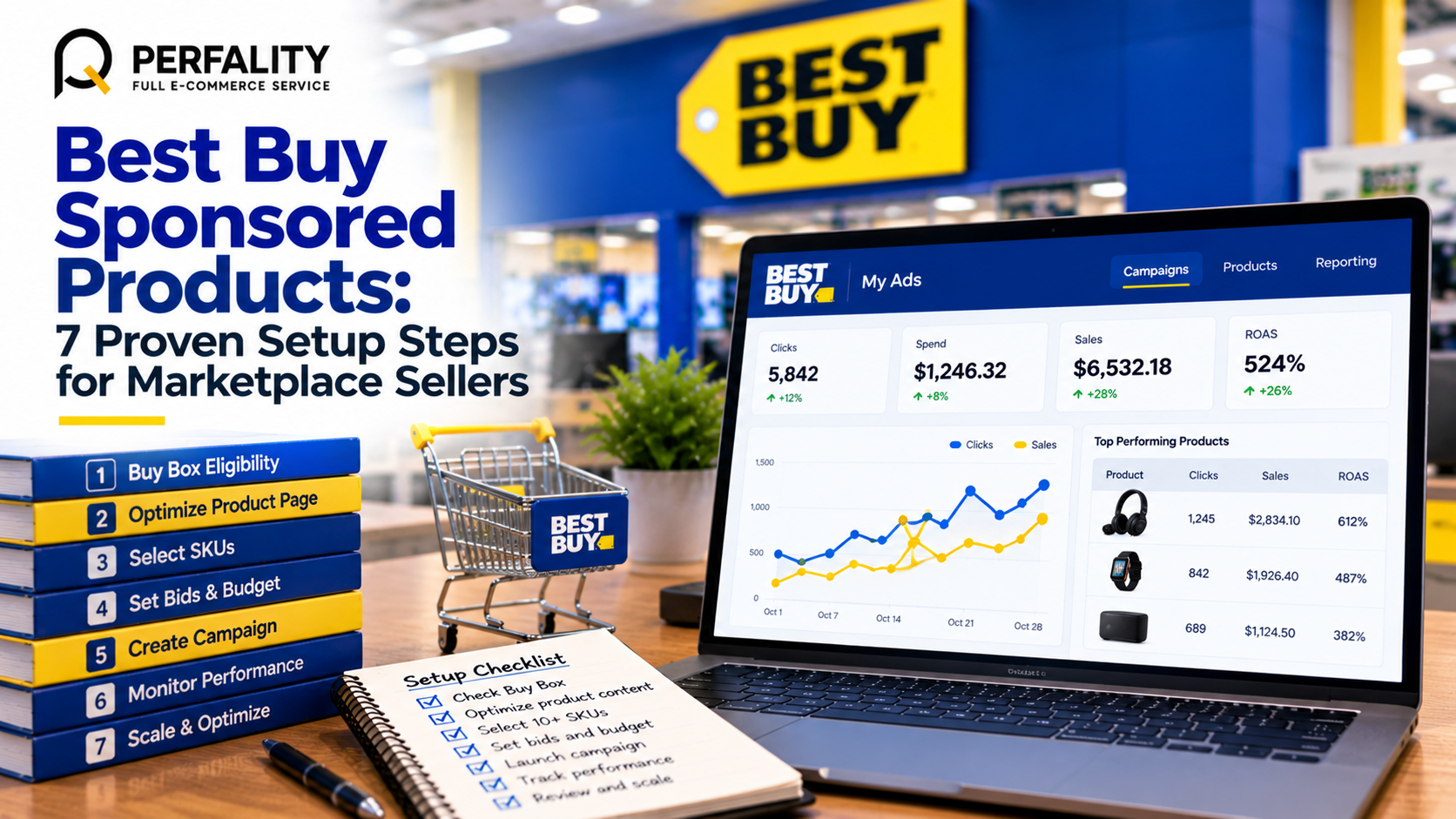
You manage Best Buy Sponsored Products in My Ads, Best Buy’s self-service platform. It offers real-time, SKU-level control, bidding and reporting, and it works online only. Product-level attribution connects ad spend to sales across devices, and you can pull reports on demand. Third-party guides, such as eDesk, confirm that Best Buy Ads and My Ads are available to marketplace sellers.
Because Best Buy Sponsored Products come from the product feed, you do not upload banners or write ad copy. Existing organic product imagery serves the ad, and you cannot edit it. Your listing is therefore your ad, which makes content quality the first lever.
7 Proven Steps to Set Up Best Buy Sponsored Products
Step 1: Check that you hold the Buy Box
Only the seller holding the Buy Box on the product page can promote a SKU. A product that loses the Buy Box is not eligible to serve in Sponsored Product placements. Before you spend a dollar, confirm which of your products you actually own the Buy Box for, and fix price or stock gaps on the ones you do not.
Our article on Buy Box monitoring explains how to watch stock and price against competitors. The same discipline protects ad spend, since a click on a product you cannot win is wasted.
Step 2: Fix the product page before the campaign
Shoppers who click Best Buy Sponsored Products land on your product detail page. If the images are weak, the bullets are thin or the price is off, the click is lost. Review each page against the Best Buy product data standards, and make sure the first image meets the primary image rules.
Step 3: Pick a starter set of SKUs
The FAQ recommends at least 10 SKUs so the algorithm has enough options to favor top performers. A campaign can include up to 1,000 SKUs. Start with your best sellers that have healthy stock and a competitive price. Add more only after you see results.
Check availability too. Products must be purchasable online to appear. Ads pull stock status from the Best Buy API, and a SKU that the API lists as in stock can serve. Pre-order SKUs are eligible as long as customers can complete an online purchase.
Step 4: Choose a bidding approach
Advertisers set cost-per-click bids and bid multipliers. Automatic bidding optimizes bids based on intent signals. For a first campaign, automatic bidding is a sensible start, because it avoids guesswork while you gather data. Move to manual control on proven SKUs later.
Step 5: Set daily and monthly budgets
You can adjust daily and monthly pacing. Neither page states a minimum spend, so check the billing FAQ and your account terms. Set the monthly cap first, divide it by the days left, and treat the daily number as a guardrail rather than a target.
Step 6: Let keywords run, then add your own
A self-learning keyword algorithm selects keywords for advertised SKUs automatically, using relevancy rules based on the product taxonomy and browsing behavior. A keyword model predicts conversion probability to choose which product to display. You can also add keywords manually.
A good pattern with Best Buy My Ads is to let the algorithm run for a few weeks, review which searches produced sales, and then add those terms deliberately. This mirrors the approach in our guide to competitor and market intelligence.
Step 7: Read the results and prune
Use the Best Buy My Ads reports to see spend, clicks and sales by SKU. Cut or lower the bid on SKUs that spend without selling, and raise it on the winners. Keeping out-of-stock SKUs in a campaign lets them reactivate automatically when stock returns, which saves rebuilding.
Payment and Billing for Best Buy My Ads
Billing details are easy to overlook until a card is declined mid-campaign. Best Buy My Ads bills your card for Best Buy Sponsored Products, and the FAQ lists what it accepts and what it does not.
Payment method | Status |
Visa, Mastercard, American Express and Discover | Accepted |
The Best Buy co-branded Visa card, which earns no rewards and is not eligible for financing plans | Accepted |
TreviPay | Not accepted |
The Best Buy consumer card (PLCC) | Not accepted |
Debit cards | Not accepted |
Choose a card with a limit that comfortably covers the monthly cap. A failed payment can pause delivery just when a promotion needs it.
Set a Break-Even Target Before You Bid
Bids on Best Buy Sponsored Products mean little without a margin. Calculate your break-even advertising cost of sale, which is the share of revenue you can spend on ads before the order loses money. The formula is simple: contribution margin before advertising, divided by selling price.
Here is a fictional example. A speaker sells for $120.
After the Best Buy commission, product cost, shipping and a return allowance, $36 remains before advertising. That is 30% of the selling price, so break-even is 30%. If the campaign spends $20 for every $100 of sales, each order still earns money. At $35 per $100, it loses money.
Measure | Illustrative value | How it is used |
Selling price | $120 | Starting point |
Contribution before ads | $36 | After commission, cost, shipping and returns |
Break-even ad cost of sale | 30% | $36 divided by $120 |
Target ad cost of sale | 20% | Leaves margin for growth and error |
Maximum cost per click | Depends on conversion rate | Break-even sale value times the conversion rate |
An Illustrative Example of Best Buy Marketplace Returns
Here is a fictional example. A tool brand receives 12 in-store returns in a month for a cordless drill. Six arrive complete, four are missing the charger and two show clear signs of heavy use. Reviewing each one against the process gives a clear plan.
Group | Count | Action | Reason |
Complete and unused | 6 | Mark as Received and close | No dispute needed |
Missing the charger | 4 | Document with photos, then dispute through the Payment Reconciliation Form | Dispute window is 90 days from receipt |
Heavily used | 2 | Document and dispute, and review the product page for clarity | Evidence matters, so keep photos and the order number |
Set your Best Buy My Ads target below break-even, then watch the SKU-level results. If a product beats the target, let it scale. If it fails after a fair test, fix the page or pause it. Our Amazon PPC guidance uses the same logic and shows how to turn it into a routine.
Which Products to Advertise With Best Buy Sponsored Products
Not every SKU deserves budget. The right mix depends on where the product is in its life. The table below shows how we would think about four groups of products when planning Best Buy Sponsored Products.
Product group | Approach | What to watch |
New launches | Include them early so the algorithm can learn, with modest budgets | Page quality and early conversion |
Proven best sellers | Protect and extend with automatic bidding, then add manual keywords | Ad cost of sale against break-even |
Slow movers | Fix the page first, and advertise only after the content improves | Click-through with no sales |
Low-margin items | Often exclude them, because the break-even is too thin | Contribution margin after returns |
The aim is to put budget behind products that can pay it back. Best Buy Sponsored Products will happily spend on a weak page, so the discipline has to come from you.
A 30-Day Test Plan for Best Buy Sponsored Products
Run the first month as a test, not a promise. A simple four-week plan gives you evidence and keeps spend under control.
- Week 1: Launch. Start with 10 to 20 SKUs, automatic bidding and a low daily cap in Best Buy My Ads. Check that ads are serving and that stock is correct.
- Week 2: Observe. Do not change bids yet. Let the keyword model learn, and note which SKUs get clicks.
- Week 3: Prune. Pause or reduce SKUs that cost money without sales. Fix pages that attract clicks but not orders.
- Week 4: Scale. Raise budgets on winners, add manual keywords for proven searches and set the next month’s target.
At the end, compare ad cost of sale with your break-even for every SKU. Keep a short note of what you learned, because the second month of Best Buy Sponsored Products should start from evidence, not guesses.
Common Mistakes With Best Buy Sponsored Products
Mistake | Why it hurts | Fix |
Advertising without the Buy Box | The SKU is not eligible to serve | Check ownership before you add a SKU |
Starting with too few SKUs | The algorithm has little to choose from | Begin with at least 10 SKUs |
Ignoring page quality | Clicks arrive, orders do not | Fix images, bullets and price first |
No break-even target | Bids drift above what the margin allows | Calculate the target before you bid |
A declined payment method | Delivery can pause | Use an accepted card with enough limit |
Almost every item in that table is an operations problem, not an advertising one. That is why Best Buy Sponsored Products work best when ads, stock, pricing and content are managed together.
Measure What Best Buy Sponsored Products Really Deliver
Reports for Best Buy Sponsored Products show attributed sales, but they do not show everything. Look at organic rank and share of search too, because a strong campaign can lift both. Our explainer on share of voice tracking shows how to measure visibility beyond the ad dashboard.
Bring Best Buy Sponsored Products data into your regular reporting. A monthly view of spend, sales, ad cost of sale and Buy Box share by SKU tells you where to invest. Our retail data analytics service and our advertising agency support are built for this kind of cross-channel view.
- Buy Box ownership confirmed for every SKU in the campaign
- Product pages reviewed against the product data standards
- At least 10 SKUs selected, with healthy stock and competitive prices
- Bidding approach chosen, with automatic bidding as the starting point
- Monthly cap and daily guardrail set
- Payment card accepted by Best Buy My Ads and covering the cap
- Break-even ad cost of sale calculated and target set below it
- Weekly review booked to prune weak SKUs and keywords
How Perfality Manages Best Buy Sponsored Products
We approach marketplace advertising as an operations discipline, not a bidding game. For Best Buy sellers, we usually cover:
- Readiness reviews for Best Buy Sponsored Products that check Buy Box ownership, stock and page quality before any budget is spent.
- Campaign setup for Best Buy Sponsored Products in Best Buy My Ads, including SKU selection, bidding and budget pacing.
- Break-even models so every bid is tied to real contribution margin.
- Weekly search and SKU reviews that prune waste and scale winners.
- Cross-channel reporting through our Power BI dashboards, so Best Buy results sit beside your other marketplaces.
If you already run advertising elsewhere, the same discipline carries over, once the Best Buy specifics are in place.
Related Services
If you want Best Buy Sponsored Products to pay back, a readiness review before launch is the cheapest place to start. For the full picture of what we do for sellers and suppliers working with Best Buy, see our Best Buy retailer management service. Depending on where this issue keeps recurring, this is the kind of support that typically helps:
- Full-service Amazon management: Full Service Amazon Management, Full Service Amazon Agency, Amazon Full Service Agency, Full Service Amazon Marketing Agency, Best Full-Service Amazon Agency, Best Full Service Amazon Agency
- FBA-focused support: Amazon FBA Management Agency, Amazon FBA Agency, Amazon FBA Marketing Agency, Amazon FBA Management Service
- Listing and content optimization: Amazon Listing Optimization Services, Amazon Listing Optimization Agency, Amazon Listing Optimization Service, Amazon Product Listing Optimization Service, Amazon Product Listing Optimisation Service, Amazon Product Listing Optimisation Service USA
- Product listing services: Amazon Product Listing Service, Amazon Product Listing Service Provider, Best Amazon Product Listing Service Agency
- PPC and advertising management: Amazon PPC Management Service, Amazon PPC Management Service Agency, Best Amazon PPC Management Service, PPC Management Service For Amazon
- Account management: Best Amazon Account Management Services, Amazon Ecommerce Company
If this is a recurring pain point rather than a one-off, it’s usually worth a quick conversation. Book a free 30-minute call with our team and we’ll walk through what’s actually happening on your account.
Frequently Asked Questions
They are native product ads bought on a cost-per-click basis, shown in search banners, suggested search boxes and in-list results on BestBuy.com and the Best Buy app. They are managed in the self-service My Ads platform.
No. Ads are generated from the Best Buy product feed and use existing organic product imagery, which you cannot edit. Clicks go to each SKU’s product detail page.
No. Only the seller holding the Buy Box on the product page can promote a SKU, and a product that loses the Buy Box is not eligible to serve in Sponsored Product placements.
Have any questions? Let’s connect!

