




- Perfality
- August 17, 2026
- 11:00 am
- Read Time: 10 mintues
Most Amazon sellers spend their energy chasing the next one-time sale. Amazon Subscribe & Save flips that — it turns a single purchase into a recurring order, without another dollar of ad spend behind it. Done right, it’s one of the few Amazon programs that builds predictable revenue on its own. Done wrong, it quietly eats margin on every reorder for months.
Here’s how the program actually works, what it costs you, and how to tell if your catalog is even a fit.
What Subscribe & Save Actually Does
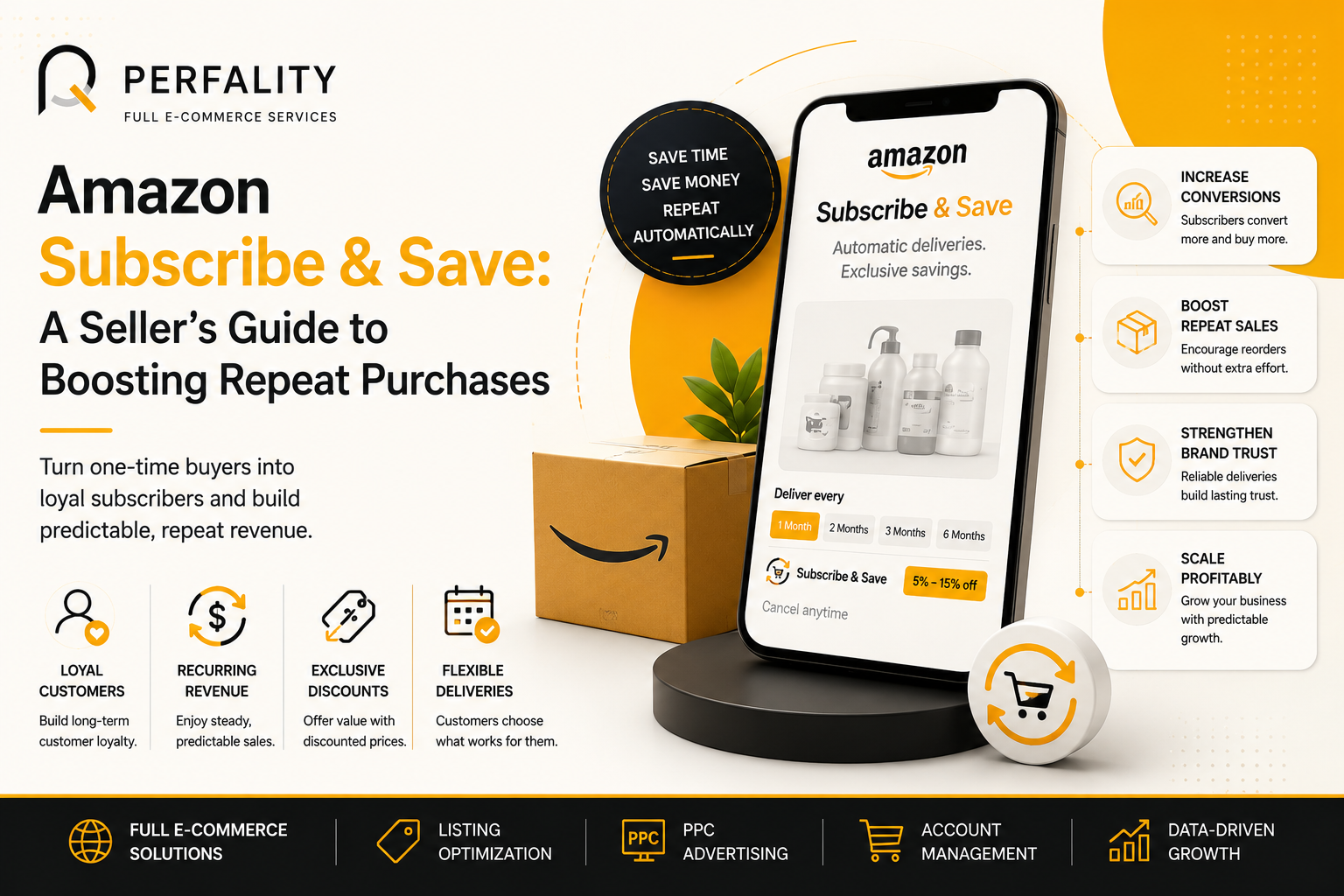
Subscribe & Save lets a customer set up automatic recurring delivery on an eligible product — every 1, 2, 3, or 6 months — in exchange for a discount. They can change the frequency or cancel at any time from their Amazon account. For sellers, it’s FBA-only: Fulfilled by Merchant listings aren’t eligible, and enrollment requires a Professional selling plan.
Amazon also checks account health before letting a product in — Order Defect Rate, delivery performance, and in-stock consistency all factor into eligibility, and a product that starts slipping on any of them can be pulled from the program, not just flagged.
How the Discount Tiers Work
Sellers choose a base discount — commonly 0%, 5%, or 10% — funded out of their own margin on every subscription order, first shipment and every reorder after it. On top of that, Amazon adds its own funded discount, typically around 5%, when a customer’s delivery includes five or more subscribed items from any seller. The customer sees the combined number on the listing; only the seller-funded portion comes out of your margin.
Who’s Actually Paying for the Discount
This is the detail that trips people up: the headline discount a shopper sees often blends a seller-funded piece with an Amazon-funded piece. A 0%-funded enrollment displays as barely a discount at all, which is usually why sellers who skip the seller-funded tier conclude the program doesn’t move sales. The seller-funded discount is the one that actually drives conversion — and the one that comes straight out of your unit economics on every single reorder.
Is Your Catalog a Good Fit?
Subscribe & Save works best on products with a predictable usage cycle — the kind a customer genuinely runs out of on a schedule. A few signs your catalog fits:
- The product is consumable or replenishable — not a one-time purchase.
- In-stock rate has stayed above roughly 90% for several months.
- Pricing has been consistent, without inflated list prices right before a “discount.”
- Contribution margin can absorb a 5–10% reduction on every reorder, indefinitely.
Our inventory forecasting work is usually the first place we check before recommending enrollment — a shaky in-stock position turns Subscribe & Save from a growth channel into a fast way to get suspended from it.
What Enrollment Actually Requires
Enrollment for eligible FBA products is largely automatic once Amazon flags a listing as qualified, but it’s worth confirming the settings yourself:
- Open Seller Central and go to the Subscription Settings page.
- Click Edit, then Enable next to Subscribe & Save.
- Confirm you see the “You are eligible for Subscribe & Save” message — if it’s missing, the product doesn’t currently qualify.
- Read and accept the program terms and conditions.
Set your seller-funded discount tier per ASIN, and revisit it whenever pricing or margin changes.
What Subscribe & Save Does for Buy Box and Conversion
Enrolled listings typically carry a visible Subscribe & Save badge, and Amazon’s own data shows offering a real discount — not the 0% tier — meaningfully increases conversion versus an unfunded listing. Subscribe & Save Buy Box eligibility is also linked to your standard Buy Box for single-seller ASINs, which is one more reason protecting your Buy Box matters even more once a product has an active subscriber base.
The risk sits on the other side of that same coin: once a customer subscribes, their order renews automatically, and subscribers tend to cancel at a noticeably higher rate around a price increase. If a price change is coming, sequence it before you build out the subscriber base on the new price, not after.
Who Should Manage This Program
Subscribe & Save rewards consistency — in-stock rate, pricing, and content all have to hold steady month after month. That operational lift is exactly why brands search for an Amazon FBA Management Agency, an Amazon FBA Agency, or an Amazon FBA Marketing Agency once their subscriber base starts growing past what one internal coordinator can track.
Some brands want the full picture handled: Full Service Amazon Management or a Full Service Amazon Agency that keeps replenishment, pricing, and content in sync across every subscribed ASIN. Others prefer to keep control in-house and bring in Best Amazon Account Management Services just for oversight and monthly reporting.
The difference between an Amazon FBA Management Service and a broader Amazon Full Service Agency or Amazon Ecommerce Company usually comes down to scope — inventory and compliance versus content, advertising, and reporting bundled together. Our e-commerce management solutions work covers the operational side that Subscribe & Save quietly depends on.
When brands compare providers, they’ll often see the same type of company marketed as a Best Full-Service Amazon Agency in one listing and a Best Full Service Amazon Agency in the next — largely the same offering, worded differently. A smaller group market themselves specifically as a Full Service Amazon Marketing Agency, leading with advertising rather than operations.
Turning Subscribe & Save Into a Growth Channel
Once a product is enrolled, the content still has to earn the badge’s benefit. That’s usually where Amazon Listing Optimization Services or a narrower Amazon Listing Optimization Service comes in — reworking bullets and images to explain the subscription value instead of just listing the discount. Brands running this across a full catalog often bring in an Amazon Listing Optimization Agency to keep pace as new ASINs get enrolled.
When the ask is specifically about rewriting for conversion, sellers search for an Amazon Product Listing Optimization Service, or — using the spelling common in UK and EU searches — an Amazon Product Listing Optimisation Service. US-based brands sometimes add the qualifier directly: Amazon Product Listing Optimisation Service USA.
Not every catalog needs a full rewrite. Some brands just need an Amazon Product Listing Service for newly enrolled ASINs, an Amazon Product Listing Service Provider for ongoing maintenance, or a Best Amazon Product Listing Service Agency to review the whole subscription lineup at once.
On the advertising side, Subscribe & Save changes the math on acquisition cost — a subscriber is worth several orders, not one. That’s usually the trigger for bringing in an Amazon PPC Management Service, specifically an Amazon PPC Management Service Agency built to bid against lifetime value rather than a single sale. Brands comparing options look for the Best Amazon PPC Management Service, or simply a PPC Management Service For Amazon, before committing budget.
How Perfality Helps
We treat Subscribe & Save the same way we treat inventory or compliance — a program that needs a monthly check, not a set-it-and-forget-it toggle. Our retail data analytics dashboards track subscriber growth and cancellation rate alongside the rest of your account metrics.
If you’re weighing whether your catalog is a fit, or already enrolled and unsure whether the discount tier is still right, book a free 30-minute strategy call — we’ll walk through your numbers together.

