



- Perfality
- September 19, 2026
- 3:44 pm
- Read Time: 10 mintues
Ad fees are climbing, impressions look healthy, but sales stay flat. eBay Promoted Listings wasted spend almost always traces back to one root issue: promoting a listing that isn’t strong enough to convert the extra traffic it receives. Ads amplify what’s already there — they can’t fix a weak title, uncompetitive price, or thin photos.
With close to half of all eBay listings now promoted in some form, understanding exactly where the waste comes from matters more than ever, since simply outbidding competitors on a weak listing just burns budget faster.
Where eBay Promoted Listings Wasted Spend Actually Comes From
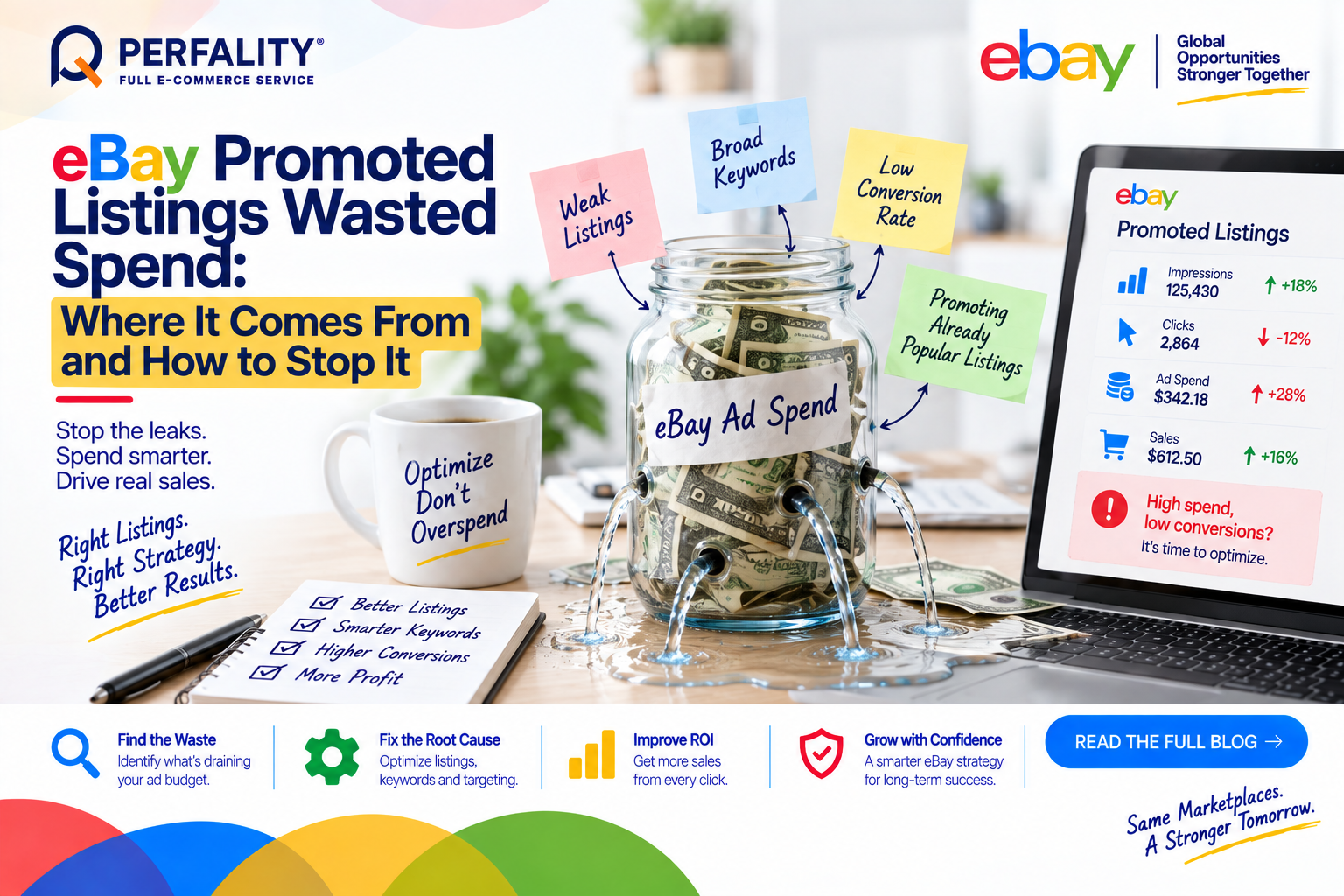
- Promoting listings that are already getting strong organic traffic (20+ views per day) — this pays for clicks that would have converted for free.
- Using only broad-match keywords in Promoted Listings Advanced, which drains budget on loosely related, low-converting clicks.
- Promoting a weak listing — poor photos, uncompetitive price, incomplete specifics — where the ad drives traffic that simply won’t convert regardless of visibility.
- Running promotion on thin-margin items, where even a modest ad rate can eliminate profit entirely or push the sale into a loss.
The Two Campaign Types Sellers Often Confuse
Promoted Listings General charges only on an attributed sale, making it lower-risk for testing. Promoted Listings Advanced (Priority) runs on a cost-per-click model, which means spend happens whether or not the click converts — confusing the two, or applying a General mindset to an Advanced campaign, is one of the more expensive mistakes a seller can make.
Under the current attribution model, a General campaign fee applies if any buyer clicks the ad and any buyer purchases that item within 30 days – not necessarily the same buyer – which changes how ROI should actually be calculated.
How to Find and Fix the Leak
- Check listing view counts before promoting — skip promotion on anything already getting 20+ organic views per day.
- Use the Search Query Report to see actual buyer search terms, then move proven terms to exact match and add irrelevant terms as negative keywords.
- Only promote listings that are already strong — complete specifics, competitive pricing, quality photos — since ads amplify existing strength rather than compensating for weakness.
- Calculate the full stacked fee cost (final value fee plus payment processing plus ad rate) before setting a promotion rate, since the effective cost is often higher than the ad rate alone suggests.
- Track ACoS per campaign and treat a rising ACoS with flat impressions as a signal to review keyword match types before increasing budget.
How Perfality Approaches This
For eBay Promoted Listings, the audit starts with listing readiness before touching campaign settings. That includes:
- Organic-traffic check first: listings already receiving strong organic views get excluded from promotion, avoiding paid spend on clicks that would have converted for free.
- Listing-strength gate: only listings with complete specifics, competitive pricing, and quality photos get promoted, since weak listings waste ad spend regardless of visibility gained.
- Search Query Report reviews: buyer search terms are pulled regularly to move proven terms into exact match and exclude irrelevant ones as negative keywords.
- Full fee-stack modeling: promotion rates are set only after calculating the complete cost stack – final value fee, payment processing, and ad rate together – rather than the ad rate in isolation.
Related Services
If Promoted Listings spend keeps climbing without a proportional sales lift, the listing itself is usually the first thing worth checking, not the campaign settings, since ads can’t fix a weak page. A team already screening listing readiness before promoting tends to avoid this waste from the start rather than diagnosing it after the fact.
Depending on how you’re searching, this kind of support is also known by these names:
- Full-service Amazon management: Full Service Amazon Management, Full Service Amazon Agency, Amazon Full Service Agency, Full Service Amazon Marketing Agency, Best Full-Service Amazon Agency, Best Full Service Amazon Agency
- FBA-focused support: Amazon FBA Management Agency, Amazon FBA Agency, Amazon FBA Marketing Agency, Amazon FBA Management Service
- Listing and content optimization: Amazon Listing Optimization Services, Amazon Listing Optimization Agency, Amazon Listing Optimization Service, Amazon Product Listing Optimization Service, Amazon Product Listing Optimisation Service, Amazon Product Listing Optimisation Service USA
- Product listing services: Amazon Product Listing Service, Amazon Product Listing Service Provider, Best Amazon Product Listing Service Agency
- PPC and advertising management: Amazon PPC Management Service, Amazon PPC Management Service Agency, Best Amazon PPC Management Service, PPC Management Service For Amazon
- Account management: Best Amazon Account Management Services, Amazon Ecommerce Company
Generally no. If a listing is already getting 20 or more organic views per day, promoting it means paying for clicks that would likely have happened for free.
General charges only on an attributed sale, making it lower-risk. Advanced (Priority) runs on a cost-per-click model, meaning spend happens on every click regardless of whether it converts.
This usually points to broad-match keywords pulling in loosely related, low-converting clicks. Reviewing the Search Query Report and adding negative keywords typically addresses it before increasing budget.
If this is a recurring pain point rather than a one-off, it’s usually worth a quick conversation. Book a free 30-minute call with our team and we’ll walk through what’s actually happening on your account.
Have any questions? Let’s connect!

