



- Perfality
- September 19, 2026
- 12:24 pm
- Read Time: 10 mintues
A listing gets submitted, and it either fails outright or goes live invisible to search — no errors, but zero views. Most eBay listing errors cluster around a short list of causes: missing item specifics, invalid categories, and duplicate listings, each with a specific, well-documented fix.
Understanding which bucket an error falls into changes how fast it gets resolved — treating a category mismatch like a specifics problem just wastes time.
Where eBay Listing Errors Actually Come From
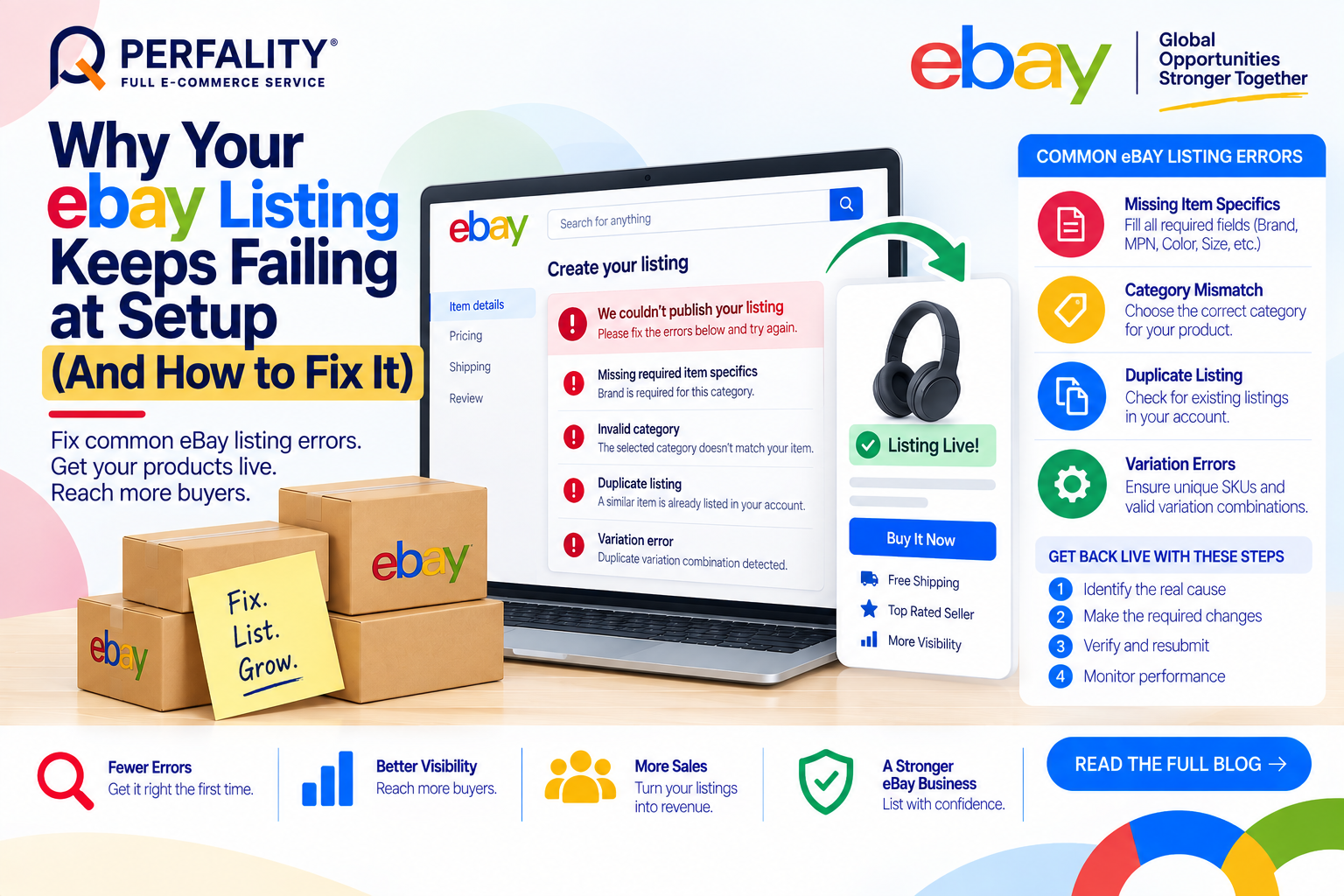
- Missing item specifics: many categories require fields like Brand, MPN, Color, or Size, and eBay prompts for these before publishing — skipping them (rather than selecting “Does Not Apply”) blocks the listing entirely.
- Category mismatches: listing in the wrong category sends a confusing signal to eBay’s search algorithm, which can suppress the listing even when it technically publishes.
- Duplicate listings: eBay’s system flags an active listing for the same item, and bulk files that carry outdated data are a common source of accidental duplicates.
- Variation errors: mismatched variation attributes, duplicate option combinations, or exceeding the 250-variation limit all block publishing or updates.
Why Weak Specifics Are the Most Common – and Most Invisible – Problem
A listing with weak or missing item specifics often publishes without any error message at all. eBay simply won’t prioritize it in search, since specifics are what the algorithm uses to match a listing to a buyer’s query. This is the number one issue for both new and experienced sellers precisely because it produces no red flag — just quietly poor performance.
How to Fix eBay Listing Errors
- Fill every required and recommended item specific – Brand, MPN, Color, Size, Material, UPC – using “Does Not Apply” only when a field genuinely doesn’t apply, not as a shortcut.
- Search eBay for the exact product before creating a new listing; copy the category path from a top-selling listing or enter a UPC/EAN to get eBay’s suggested category.
- Keep every SKU unique across variations, and confirm no two variations share the same option combination.
- Refresh bulk listing templates before each use rather than reusing an old file, since outdated categories and specifics are a common source of silent errors.
How Perfality Approaches This
For eBay catalogs, listing setup runs through a structured pre-publish check rather than a bulk upload and hope. That includes:
- Specifics-completeness audit: every required and recommended item specific is filled with a real value before publishing, not left as a placeholder or skipped.
- Category verification: category paths are checked against top-performing comparable listings and UPC/EAN lookups before submission, not assumed correct from a template.
- Duplicate sweep: planned listings are searched against the seller’s own active inventory before publishing to catch accidental duplicates from stale bulk files.
- Variation integrity checks: SKUs and option combinations are verified unique across every variation before the listing goes live.
Related Services
If listing errors keep recurring across a growing eBay catalog, that’s usually a sign the process needs a dedicated system behind it rather than a template someone edits by hand each week. Whether that means a partner running eBay listings end to end, or a second set of eyes on existing templates, this is exactly the kind of operational gap worth closing early.
Depending on how you’re searching, this kind of support is also known by these names:
- Full-service Amazon management: Full Service Amazon Management, Full Service Amazon Agency, Amazon Full Service Agency, Full Service Amazon Marketing Agency, Best Full-Service Amazon Agency, Best Full Service Amazon Agency
- FBA-focused support: Amazon FBA Management Agency, Amazon FBA Agency, Amazon FBA Marketing Agency, Amazon FBA Management Service
- Listing and content optimization: Amazon Listing Optimization Services, Amazon Listing Optimization Agency, Amazon Listing Optimization Service, Amazon Product Listing Optimization Service, Amazon Product Listing Optimisation Service, Amazon Product Listing Optimisation Service USA
- Product listing services: Amazon Product Listing Service, Amazon Product Listing Service Provider, Best Amazon Product Listing Service Agency
- PPC and advertising management: Amazon PPC Management Service, Amazon PPC Management Service Agency, Best Amazon PPC Management Service, PPC Management Service For Amazon
- Account management: Best Amazon Account Management Services, Amazon Ecommerce Company
eBay will prompt for the missing value and block publishing until it’s filled in or marked “Does Not Apply.” Skipping optional specifics doesn’t block publishing but does weaken search matching.
This usually points to weak or missing item specifics or a mismatched category. eBay can technically publish the listing but won’t prioritize it in search results without strong, complete specifics.
Up to 250. Listings that need more must be split into multiple listings, since eBay rejects submissions exceeding this limit.
If this is a recurring pain point rather than a one-off, it’s usually worth a quick conversation. Book a free 30-minute call with our team and we’ll walk through what’s actually happening on your account.
Have any questions? Let’s connect!

