




- Perfality
- October 27, 2026
- 10:39 am
- Read Time: 10 mintues
Approval is only half the work. Once a brand is accepted, the next problem is Target Plus integration: how your products, prices, stock and orders move between your systems and Target’s. Choose well and the store runs quietly. Choose badly and you spend your first months fixing sync errors.
This guide gives you six questions to answer before you pick a route, a fictional case that shows how the answers play out and a testing plan for launch week. If you need to integrate with Target Plus, start here, because every Target Plus integration begins with the same six questions. Target’s technical documents are available to approved sellers only, so the descriptions below come from third-party guides. Confirm the specifics with Target and your chosen partner.
What Target Plus Integration Actually Covers
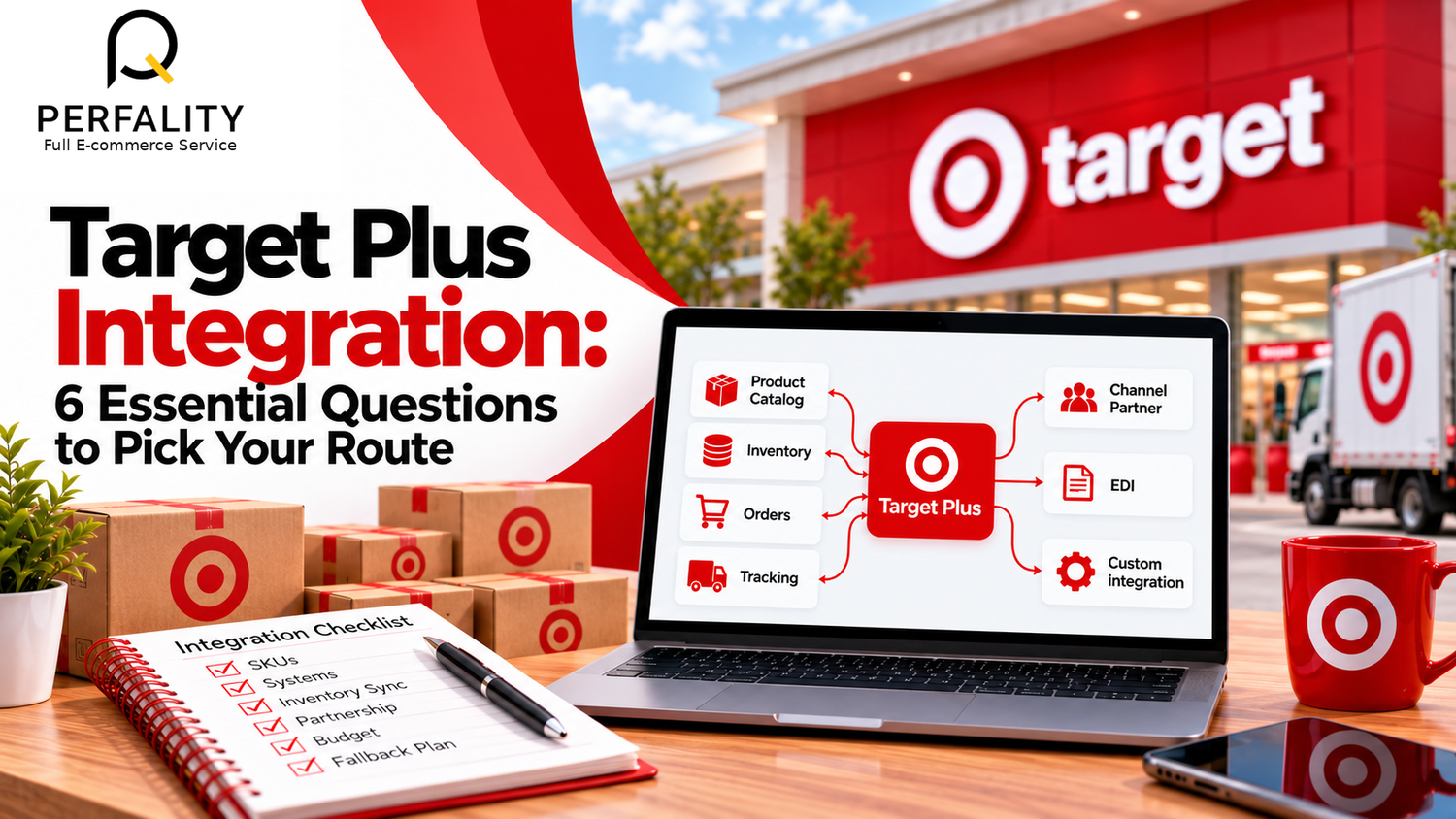
Target Plus integration is not one connection. It is four flows that must all work at the same time. Products and content go to Target, inventory and prices stay current, orders come back to you and tracking goes out to the customer.
If any one flow breaks, the store suffers. A stale inventory feed leads to oversells and cancellations. A slow order feed delays shipping. A missing tracking update triggers customer messages. That is why integration is a business decision as much as a technical one.
Seller guides describe two broad ways to integrate with Target Plus, and you only need one to start: through an approved channel or integration partner, or through direct EDI. A few brands use a mix, with a partner for catalog and EDI for orders. Which one fits depends on your size and systems.
The 6 Questions That Decide Your Target Plus Integration
Answer these in writing before any Target Plus integration work starts, with the person who runs your orders in the room. The answers point to a route more reliably than any vendor demo.
- How many SKUs will you list at launch? A few dozen can sit in a spreadsheet feed. Thousands need an automated catalog feed.
- Where do your orders live today? If they sit in one e-commerce platform or ERP, connect there. If they sit in several, you need a hub.
- How fast does your stock change? Fast-moving stock needs near-real-time updates. Slow stock can sync a few times a day.
- Who owns the connection? Name one person. Shared ownership usually means no ownership.
- What is your budget for setup and monthly charges? Include partner fees, developer time and testing.
- What happens if the connection fails? Decide your manual fallback before launch, not during an outage.
Notice that only one of these questions is purely technical. The rest are about volume, ownership and risk. A brand with 40 SKUs and one warehouse needs a very different Target Plus integration from a brand with 4,000 SKUs and three.
Comparing the Main Routes to Integrate With Target Plus
| Route | Strength | Watch-out | Best for |
|---|---|---|---|
| Channel partner | Fast setup, support | Ongoing fees | Small and mid-size brands |
| Direct EDI | Full control | Needs developers | Large teams with ERP |
| Hybrid | Partner plus EDI | Two systems to run | Complex catalogs |
| Manual feeds | Cheapest start | Slow and error-prone | Tiny tests only |
Third-party guides generally say that a partner is the quicker route for Target Plus integration for most sellers. EDI is described as powerful but demanding. Ask Target which connection types are open to your brand before you sign anything, because available routes can change.
A Fictional Example of Choosing a Target Plus Integration
Consider a fictional brand, Northline Home, that sells 120 storage products. It runs its online store on one e-commerce platform and ships from a single third-party warehouse. A part-time operations manager handles orders. The team answers the six questions and discovers three facts.
- Stock changes daily, and the warehouse updates counts twice a day.
- No one has EDI experience, and the budget for developers is small.
- The brand cannot afford more than a few oversells per month.
To integrate with Target Plus without extra risk, the best fit for Northline is a channel partner that connects to its platform and warehouse. The team asks the partner for a four-hour inventory sync, a clear error report and a person who responds within a business day. They also write a manual fallback: if the feed fails, the operations manager pauses listings until counts are fixed.
This example is invented, but the pattern is real. A brand picks the simplest route that meets its stock speed, then writes down what happens when it breaks. That small habit protects more revenue than a clever technical design.
Preparing Your Data Before Target Plus Integration
Integration software moves data. It does not fix it, and a Target Plus integration will carry bad data as quickly as good data. If your catalog has missing barcodes, inconsistent titles or wrong dimensions, the feed will carry those errors straight to Target. Many integration failures are really data failures.
Clean the catalog first. Guides say every product needs a unique GS1 UPC or EAN, and they note that Target expects clear, professional product content. Our article on data standardization for marketplace uploads explains how to set one format for titles, attributes and units before any feed goes live.
Field | Check before the feed | Typical error |
Barcode | Valid GS1 UPC or EAN on every SKU | Internal SKU used in place of a barcode |
Title | Consistent pattern across the range | Mixed capital letters and extra symbols |
Dimensions and weight | Measured and in one unit | Pounds in one row and ounces in the next |
Price | One agreed price per channel | Old promotional price left in the feed |
Inventory | Counts tied to the real warehouse | Safety stock not subtracted |
How to Test Your Target Plus Integration Before Launch
Do not wait for the first real order to learn whether your Target Plus integration works. Build a test plan and run it with a few safe products. The steps below suit most setups, whichever route you choose.
- Send a small catalog batch. Check that titles, images and attributes arrive exactly as written.
- Change a price and a stock count. Time how long the update takes to appear.
- Place a test order if allowed. Confirm it reaches your order system with the right address and items.
- Send a tracking number back. Make sure the update shows to the customer.
- Break something on purpose. Remove a required field and see whether the error report is clear.
Write down how long each step took. Those numbers become your baseline, and later they will tell you whether the connection is getting slower or less reliable.
Common Target Plus Integration Mistakes to Avoid
Most problems repeat from seller to seller. Knowing them in advance is cheaper than discovering them in week two. Each mistake below is common in marketplace launches generally, and each has a simple fix.
Mistake | Why it hurts | Fix |
Launching the full catalog at once | Errors multiply and are hard to trace | Start with 10 to 20 clean products |
No owner for the connection | Alerts are ignored until customers complain | Name one person and one backup |
Syncing stock without a buffer | Oversells and cancellations | Hold back a few units as safety stock |
Skipping the fallback plan | Outages become panic | Write a pause-and-fix routine |
Ignoring partner limits | Order caps or slow syncs appear at peak times | Ask about volume limits before signing |
The pattern behind these mistakes is speed. Brands rush to be live because the invitation felt hard to earn. A slower, cleaner Target Plus integration protects the account you worked so hard to win.
How to Integrate With Target Plus on a Realistic Timeline
Timelines depend on your route and your data, so treat the plan below as a template, not a promise. It shows the order of work for a brand that chooses a channel partner and has a clean catalog.
Phase | Work | Output |
Week 1 | Answer the six questions and shortlist partners | A chosen route |
Weeks 2 to 3 | Clean data, map fields and connect systems | A first test batch |
Week 4 | Run the test plan and fix errors | A clean pilot |
Weeks 5 to 6 | Add more products and watch the feeds | A stable catalog |
If you want to integrate with Target Plus quickly, spend the extra days on data, not on the connection itself. Clean data makes every later step faster, and it is the one part that no partner can do for you.
Who Should Own the Connection
Technology rarely fails on its own. It fails when nobody is responsible for it. The owner of your integration does not need to be technical, but they must be able to read an error report, ask a partner a precise question and make a quick decision when stock or prices look wrong.
Give that person a short written role: check the feeds each morning, escalate failures within an hour and review partner charges every month. Name a backup for holidays. A clear owner turns a vague worry into a routine task, and the whole store runs more smoothly as a result.
Monitoring Target Plus Integration After Launch
A working connection today can break next month when a platform updates or a warehouse changes its format. Plan to check the feeds every day in the first month, then weekly. Our SKU health check approach is a good model: scan for price, stock and listing errors on a schedule and fix them before customers see them.
Repeated manual work is a sign that something should be automated. If a person copies stock counts into a spreadsheet each morning, look at the ideas in automating e-commerce with RPA before the task grows with the catalog.
- Daily: check failed updates and rejected products.
- Weekly: compare inventory on Target Plus with your warehouse.
- Monthly: review partner charges and error trends.
- Quarterly: confirm the route still fits your volume.
A good Target Plus integration is boring, and boring is the goal when you integrate with Target Plus. Nothing surprising happens, and the team only notices it when a report shows a problem.
- Six integration questions answered in writing
- Route chosen: partner, EDI, hybrid or other
- One named owner for the connection
- Catalog cleaned, with valid GS1 barcodes
- Test plan run with a small batch
- Manual fallback documented
- Daily and weekly monitoring scheduled
How Perfality Supports Your Target Plus Integration
We treat integration as a data and operations project, not just a technical one. For Target Plus launches we typically help with:
- Catalog cleanup and standardization so the feed carries accurate data from day one.
- Comparing partner and EDI routes against your SKU count, systems and budget.
- Test planning and launch monitoring across inventory, price and order flows.
- Daily SKU health checks that flag stock and pricing errors early.
- Ongoing store handling through our Target Plus marketplace management
The best connection is the one you forget about because it just works.
Related Services
If you need to integrate with Target Plus and want a second opinion on your route, our team can help. For the full picture of what we do for sellers and suppliers working with Target, see our Target Plus marketplace management service. Depending on where this issue keeps recurring, this is the kind of support that typically helps:
- Full-service Amazon management: Full Service Amazon Management, Full Service Amazon Agency, Amazon Full Service Agency, Full Service Amazon Marketing Agency, Best Full-Service Amazon Agency, Best Full Service Amazon Agency
- FBA-focused support: Amazon FBA Management Agency, Amazon FBA Agency, Amazon FBA Marketing Agency, Amazon FBA Management Service
- Listing and content optimization: Amazon Listing Optimization Services, Amazon Listing Optimization Agency, Amazon Listing Optimization Service, Amazon Product Listing Optimization Service, Amazon Product Listing Optimisation Service, Amazon Product Listing Optimisation Service USA
- Product listing services: Amazon Product Listing Service, Amazon Product Listing Service Provider, Best Amazon Product Listing Service Agency
- PPC and advertising management: Amazon PPC Management Service, Amazon PPC Management Service Agency, Best Amazon PPC Management Service, PPC Management Service For Amazon
- Account management: Best Amazon Account Management Services, Amazon Ecommerce Company
If this is a recurring pain point rather than a one-off, it’s usually worth a quick conversation. Book a free 30-minute call with our team and we’ll walk through what’s actually happening on your account.
Frequently Asked Questions
It is the connection that moves your products, prices, inventory and orders between your systems and Target Plus. Third-party guides describe routes through an approved channel partner or direct EDI. Details are shared with approved sellers.
Often yes, if you use a channel partner with ready connectors for your platform. Direct EDI usually needs technical skills. Confirm what Target allows for your brand and category.
Timing depends on your route, the quality of your data and how fast Target and your partner respond. Guides report weeks rather than days, so build the schedule around your cleanest catalog batch.
Have any questions? Let’s connect!

