



- Perfality
- September 19, 2026
- 10:35 am
- Read Time: 10 mintues
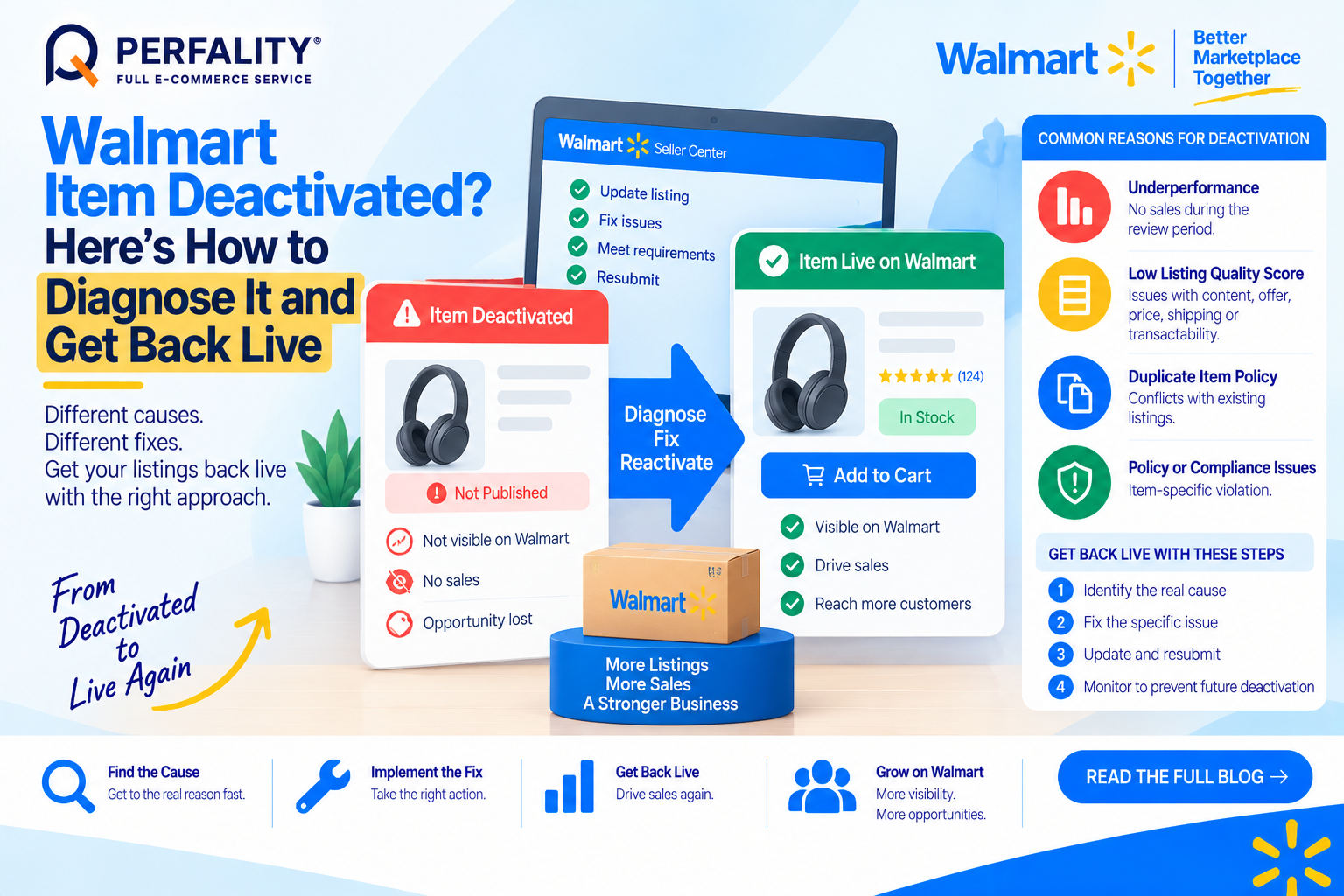
A listing that’s been selling steadily for months suddenly disappears from the catalog. A Walmart item deactivated notice can come from several distinct sources — an underperformance review, a Listing Quality Score drop, or a specific policy violation — and each one requires a different fix to actually get the item back live.
Diagnosing which one is actually responsible, rather than guessing, is what determines how quickly reactivation happens.
The Most Common Reasons a Walmart Item Deactivated Notice Appears
- Underperformance reviews: Walmart reviews all Marketplace listings twice a year, and items with no sales during a category-specific timeframe (accounting for seasonality) can be unpublished — even without any policy violation.
- Low Listing Quality Score: LQS combines content, discoverability, offer, price competitiveness, shipping speed, transactability, and post-purchase quality; a weak score across several components can push an item below the threshold needed to stay published.
- Duplicate item policy violations: items sharing a product identifier with another seller’s listing that don’t get properly matched or merged.
- Direct policy or compliance violations tied to a specific item, separate from general performance metrics.
Diagnose Before You Try to Reactivate
Check the Catalog view in Seller Center and filter by lifecycle status — Retired and Archived items show up separately from active suppression flags. The Listing Quality dashboard breaks down exactly which component (content, offer, price, shipping) is dragging a specific item’s score down, rather than leaving sellers to guess.
It’s worth noting: if the same item gets removed multiple times for the same underlying reason, Walmart reserves the right to permanently remove it from the catalog — repeated reactivation without fixing the root cause is a real risk.
How to Actually Get Reactivated
- For underperforming items, reactivation isn’t available until there’s a substantial improvement to the listing itself — pricing, content, or offer competitiveness needs to change, not just the Site End Date.
- To reactivate a retired or archived item directly, locate it by SKU, Item ID, Item Name, GTIN, or UPC in Catalog, then update the Site End Date field to a future date.
- For bulk reactivation, use the Update Items template, changing the Site End Date column to a future date for each item before re-uploading.
- For an LQS-driven deactivation, work through the Listing Quality dashboard’s specific recommendations component by component rather than making broad changes and hoping the score recovers.
How Perfality Approaches This
For Walmart catalogs, reactivation work starts with pulling the specific deactivation reason before touching the listing. That includes:
- Lifecycle status diagnosis first: Catalog is filtered by lifecycle status and the Listing Quality dashboard is checked component by component before assuming the cause.
- Root-cause fix before reactivation: for underperformance-driven deactivations, pricing, content, or offer competitiveness is actually improved before resubmitting — not just the Site End Date changed.
- Repeat-removal prevention: items that have been deactivated more than once get flagged for a deeper structural fix, since repeated removals risk permanent retirement from Walmart’s catalog.
- Bulk reactivation efficiency: for catalogs with multiple affected SKUs, the Update Items template process is used to reactivate in bulk once root causes are addressed, rather than fixing items one at a time.
Related Services
If an item keeps getting deactivated even after reactivation, that’s a sign the underlying cause — pricing, content, or a Listing Quality component — hasn’t actually been fixed, and Walmart’s repeat-removal policy makes that a real risk to address quickly. A team already monitoring Listing Quality across a catalog tends to catch this pattern before a third deactivation becomes permanent.
Depending on how you’re searching, this kind of support is also known by these names:
- Full-service Amazon management: Full Service Amazon Management, Full Service Amazon Agency, Amazon Full Service Agency, Full Service Amazon Marketing Agency, Best Full-Service Amazon Agency, Best Full Service Amazon Agency
- FBA-focused support: Amazon FBA Management Agency, Amazon FBA Agency, Amazon FBA Marketing Agency, Amazon FBA Management Service
- Listing and content optimization: Amazon Listing Optimization Services, Amazon Listing Optimization Agency, Amazon Listing Optimization Service, Amazon Product Listing Optimization Service, Amazon Product Listing Optimisation Service, Amazon Product Listing Optimisation Service USA
- Product listing services: Amazon Product Listing Service, Amazon Product Listing Service Provider, Best Amazon Product Listing Service Agency
- PPC and advertising management: Amazon PPC Management Service, Amazon PPC Management Service Agency, Best Amazon PPC Management Service, PPC Management Service For Amazon
- Account management: Best Amazon Account Management Services, Amazon Ecommerce Company
Walmart conducts semi-annual reviews of all Marketplace listings, though Walmart reserves the right to unpublish an underperforming item at any time outside that schedule as well.
Locate the item in Catalog by SKU, Item ID, Item Name, GTIN, or UPC, filter by lifecycle status (Retired and Archived), then update the Site End Date field to a future date and submit.
Yes. If the same item is removed multiple times for the same underlying issue, Walmart reserves the right to permanently remove it from the catalog, so fixing the root cause before reactivating matters.
If this is a recurring pain point rather than a one-off, it’s usually worth a quick conversation. Book a free 30-minute call with our team and we’ll walk through what’s actually happening on your account.
Have any questions? Let’s connect!

