



- Perfality
- September 17, 2026
- 3:02 pm
- Read Time: 10 mintues
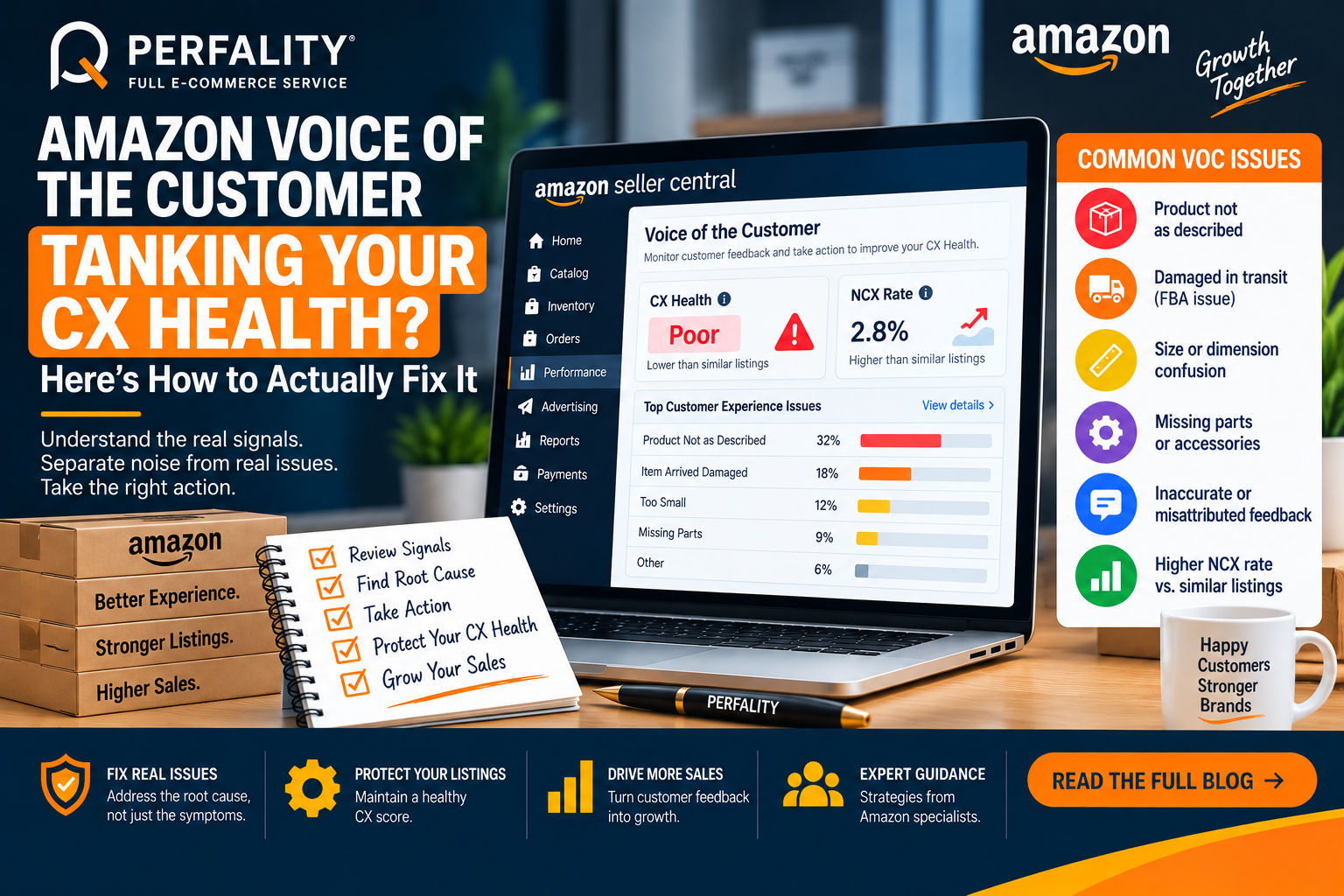
The Amazon Voice of the Customer dashboard replaced the old Customer Reviews dashboard, and with it came a sharper, sometimes frustrating way of scoring product health. A single Negative Customer Experience signal can drop a CX Health rating into “Poor” — even when the buyer’s stated complaint directly contradicts detailed, accurate listing specs.
The dashboard is genuinely useful once you know how to separate real product or listing issues from noise that shouldn’t count against the score at all.
What the Amazon Voice of the Customer Dashboard Actually Tracks
Voice of the Customer pulls together returns, negative reviews, buyer complaints, and A-to-Z claims into a product-level CX Health score, visible under Performance in Seller Central. Amazon uses this data to decide whether a listing stays active, gets suppressed, or triggers an account-level warning.
Two core signals drive it: CX Health, a relative ranking against similar offers, and NCX Rate, the percentage of orders generating a negative signal.
When the Signal Doesn’t Match Reality
Sellers frequently see complaints like “too small” logged against listings with precise, detailed dimensions the buyer had full access to before purchasing. Negative signals tied specifically to FBA fulfillment problems — late delivery, damage in transit — also shouldn’t count against a seller’s CX Health, but they can get bundled in incorrectly.
How to Actually Resolve a CX Health Drop
- Check the Voice of the Customer dashboard weekly, not only after a suppression notice appears.
- Use the “Resolve Issue” flow to review the specific feedback driving each score drop before assuming the cause.
- If the negative signal traces to an FBA fulfillment problem rather than the product or listing, open a Seller Support case specifically requesting that feedback be excluded from CX Health.
- Where the complaint is a genuine product or listing issue, treat it as a root-cause signal, not just a score to fix — recurring complaints often point to a packaging or content gap worth addressing directly.
How Perfality Approaches This
For managed accounts, Voice of the Customer review is a standing weekly checkpoint rather than a reaction to a suppression notice. That process breaks down into a few concrete steps:
- Weekly dashboard review: CX Health and NCX Rate are checked on a fixed schedule, not only after a score has already dropped into “Poor” territory.
- Signal classification before action: every negative signal gets sorted into one of three buckets — a genuine product issue, a listing-accuracy issue, or a fulfillment problem that shouldn’t count against the product at all — since the correct fix depends entirely on which bucket applies.
- Root-cause fixes for real product issues: a genuine complaint pattern gets addressed with a packaging change or clearer size/spec content, not just monitored.
- Exclusion requests for FBA-driven complaints: where the negative signal traces to a fulfillment problem, a Seller Support case gets filed specifically requesting exclusion from CX Health, with shipment or delivery data attached as documentation.
Early intervention over late recovery: catching a negative pattern before it drags CX Health down is treated as materially cheaper than recovering a suppressed ASIN afterward, both in lost sales and in reinstatement time.
Related Services
When a VOC pattern traces back to genuine listing gaps — unclear sizing, missing specs — that’s really an account health issue wearing a customer-feedback disguise, and it’s worth treating it that way rather than as a one-off complaint to dismiss. A team already watching your account health metrics weekly is usually the fastest route to catching this kind of pattern before it drags a score down.
Depending on how you’re searching, this kind of support is also known by these names:
- Full-service Amazon management: Full Service Amazon Management, Full Service Amazon Agency, Amazon Full Service Agency, Full Service Amazon Marketing Agency, Best Full-Service Amazon Agency, Best Full Service Amazon Agency
- FBA-focused support: Amazon FBA Management Agency, Amazon FBA Agency, Amazon FBA Marketing Agency, Amazon FBA Management Service
- Listing and content optimization: Amazon Listing Optimization Services, Amazon Listing Optimization Agency, Amazon Listing Optimization Service, Amazon Product Listing Optimization Service, Amazon Product Listing Optimisation Service, Amazon Product Listing Optimisation Service USA
- Product listing services: Amazon Product Listing Service, Amazon Product Listing Service Provider, Best Amazon Product Listing Service Agency
- PPC and advertising management: Amazon PPC Management Service, Amazon PPC Management Service Agency, Best Amazon PPC Management Service, PPC Management Service For Amazon
Account management: Best Amazon Account Management Services, Amazon Ecommerce Company
CX Health is a relative ranking of a product’s customer experience against similar offers, while NCX Rate is the percentage of orders that generate a negative signal. Both appear on the Voice of the Customer dashboard.
If the negative signal is tied to an FBA fulfillment issue rather than the product or listing itself, you can open a Seller Support case requesting exclusion from CX Health, with supporting shipment or delivery data attached.
Weekly is recommended. Checking on a fixed schedule catches negative patterns early, before they accumulate into a CX Health drop or listing suppression.
If this is a recurring pain point rather than a one-off, it’s usually worth a quick conversation. Book a free 30-minute call with our team and we’ll walk through what’s actually happening on your account.
Have any questions? Let’s connect!

