



- Perfality
- September 19, 2026
- 12:56 pm
- Read Time: 10 mintues
A listing sits on page three of search results despite competitive pricing and a solid title. Sellers usually reach for title keywords or price adjustments first, but eBay Best Match ranking weighs item specifics heavily, and a gap there often explains poor visibility that no amount of title tweaking will fix.
Reviewing specifics before touching anything else usually finds the real problem faster.
How Item Specifics Actually Drive eBay Best Match Ranking
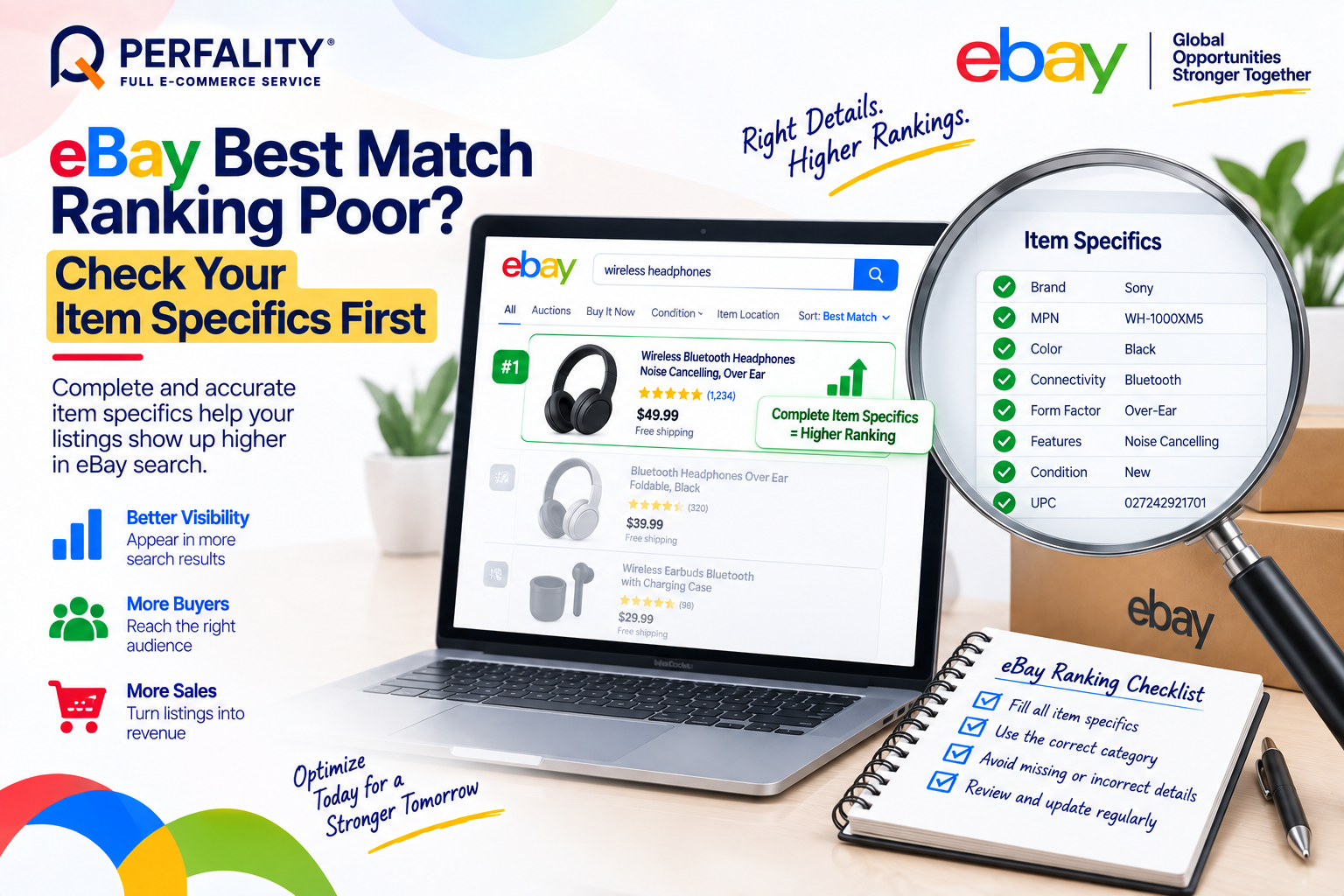
Item specifics are what eBay’s search algorithm uses to match a listing to a buyer’s filtered search — Color, Size, Material, Brand, and category-specific fields all function as filter criteria. A listing missing these fields can still publish successfully, but it becomes invisible to any buyer using those filters, which on eBay is most buyers in competitive categories.
Optional specifics matter more than most sellers assume. Even fields eBay doesn’t strictly require still improve ranking and filter placement — skipping them limits visibility just as surely as skipping a required field, just without the warning.
Other Factors That Compound the Problem
- A wrong or overly broad category sends a confusing relevance signal, and eBay treats a mismatched category as low-relevance regardless of how strong the specifics are.
- Stale bulk-listing templates carry outdated specifics or unsupported fields forward, quietly degrading every new listing built from that template.
- Listings that haven’t been reviewed in 30–45 days can drift out of date on specifics, pricing, and photos as competitors update theirs.
Why This Gets Overlooked for So Long
Because a specifics gap produces no error message, sellers often assume a slow listing simply needs a lower price or a better title, and spend weeks iterating on those before ever checking the specifics panel. By the time specifics get reviewed, the listing may have already lost weeks of visibility it can’t fully recover, since Best Match also weighs sales history and engagement that a slow start never generated.
How to Actually Improve Best Match Ranking
- Fill every recommended specific, not just the required ones — Brand, MPN, Color, Size, and Material improve filter-based matching even when they’re technically optional.
- Verify the category path against a top-performing comparable listing rather than assuming the original category selection was correct.
- Refresh bulk templates before each use instead of reusing an old file across multiple listing sessions.
- Review specifics, titles, photos, pricing, and shipping every 30–45 days, especially for any listing where impressions or conversions have dropped.
How Perfality Approaches This
For eBay catalogs, a Best Match ranking review starts with specifics completeness, not price or title changes. That includes:
- Specifics-first diagnosis: every underperforming listing gets its item specifics audited against category norms before any pricing or title change is considered.
- Optional-field completion: recommended specifics beyond the required minimum are filled in systematically, since these still meaningfully affect filter-based search matching.
- Category re-verification: category assignments are checked against top-performing comparable listings on a recurring basis, not set once and left alone.
- Scheduled listing refresh: a 30–45 day review cycle catches specifics, pricing, and photo drift before it meaningfully affects ranking.
Related Services
If a listing’s ranking has quietly dropped, item specifics are worth checking before rewriting the title or dropping the price, since neither of those fixes a filter-matching gap. A team already auditing specifics across a catalog on a recurring schedule tends to catch this kind of drift before it costs meaningful visibility.
Depending on how you’re searching, this kind of support is also known by these names:
- Full-service Amazon management: Full Service Amazon Management, Full Service Amazon Agency, Amazon Full Service Agency, Full Service Amazon Marketing Agency, Best Full-Service Amazon Agency, Best Full Service Amazon Agency
- FBA-focused support: Amazon FBA Management Agency, Amazon FBA Agency, Amazon FBA Marketing Agency, Amazon FBA Management Service
- Listing and content optimization: Amazon Listing Optimization Services, Amazon Listing Optimization Agency, Amazon Listing Optimization Service, Amazon Product Listing Optimization Service, Amazon Product Listing Optimisation Service, Amazon Product Listing Optimisation Service USA
- Product listing services: Amazon Product Listing Service, Amazon Product Listing Service Provider, Best Amazon Product Listing Service Agency
- PPC and advertising management: Amazon PPC Management Service, Amazon PPC Management Service Agency, Best Amazon PPC Management Service, PPC Management Service For Amazon
- Account management: Best Amazon Account Management Services, Amazon Ecommerce Company
Yes. Even specifics eBay doesn’t strictly require still improve Best Match ranking and filter placement — skipping them limits visibility, just without the warning a required field would trigger.
Every 30–45 days is a reasonable baseline, and sooner for any listing where impressions or conversions have visibly dropped.
Yes. A mismatched category sends a low-relevance signal to eBay’s algorithm regardless of how complete the specifics are, which can suppress visibility even on an otherwise well-optimized listing.
If this is a recurring pain point rather than a one-off, it’s usually worth a quick conversation. Book a free 30-minute call with our team and we’ll walk through what’s actually happening on your account.
Have any questions? Let’s connect!

